Tattoo Placement Guide
Tattoo placement is a choice about where you want the design, how visible it should be and how its shape relates to your body. Start by comparing areas below, then use the tattoo simulator to test size and angle on a photograph. The images here are adult AI model references with no tattoo applied; they are not customer tattoos or healed results.
Choose by Visibility, Shape and Orientation
Think about when you want to see the tattoo and when you prefer it covered. Compare the outline of your design with the available space before focusing on tiny details. Decide which way it should face, and leave room around existing artwork. There is no universal best placement: a useful choice fits your preferences and gives an artist enough space to develop the design.
Forearm Tattoo Placement
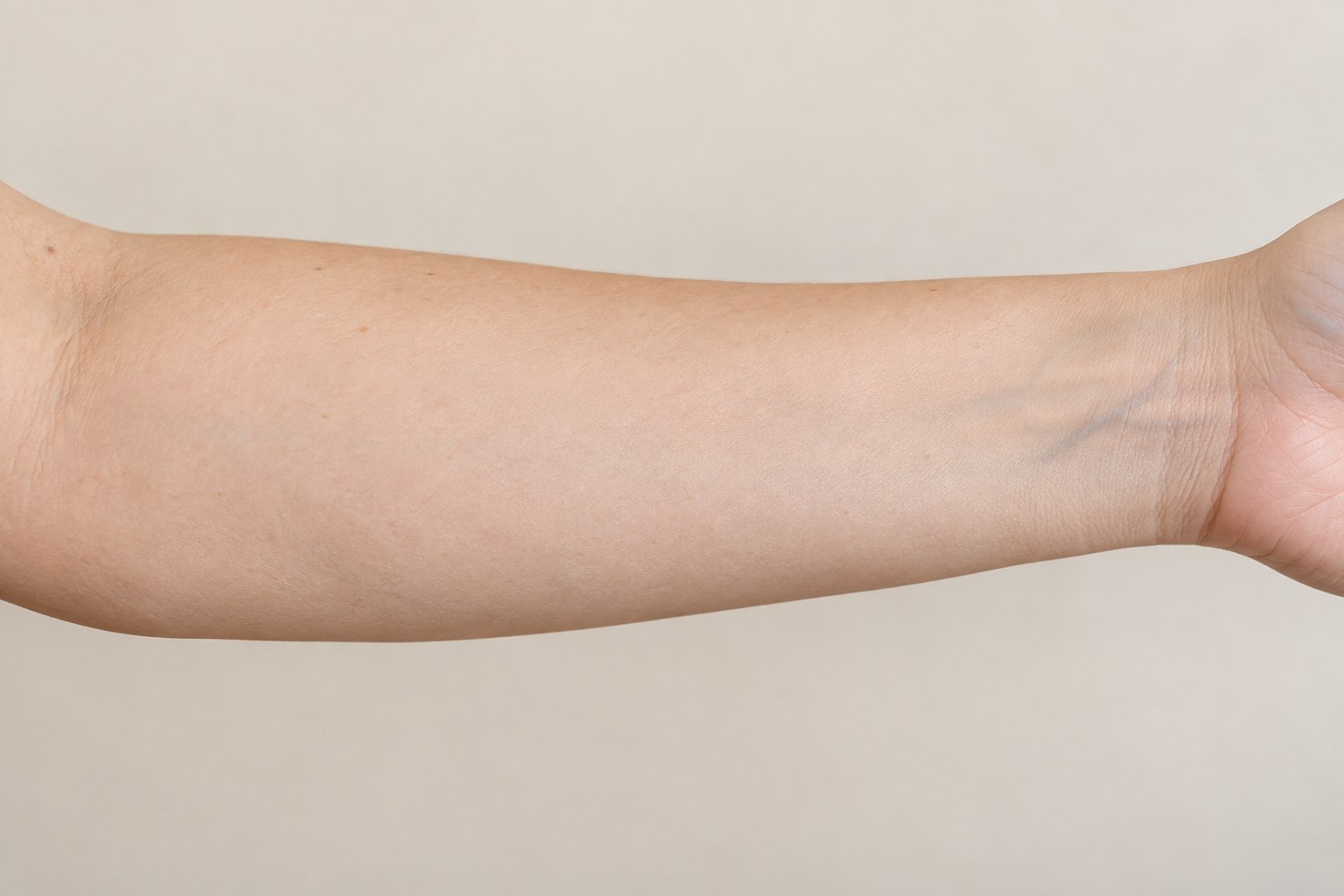
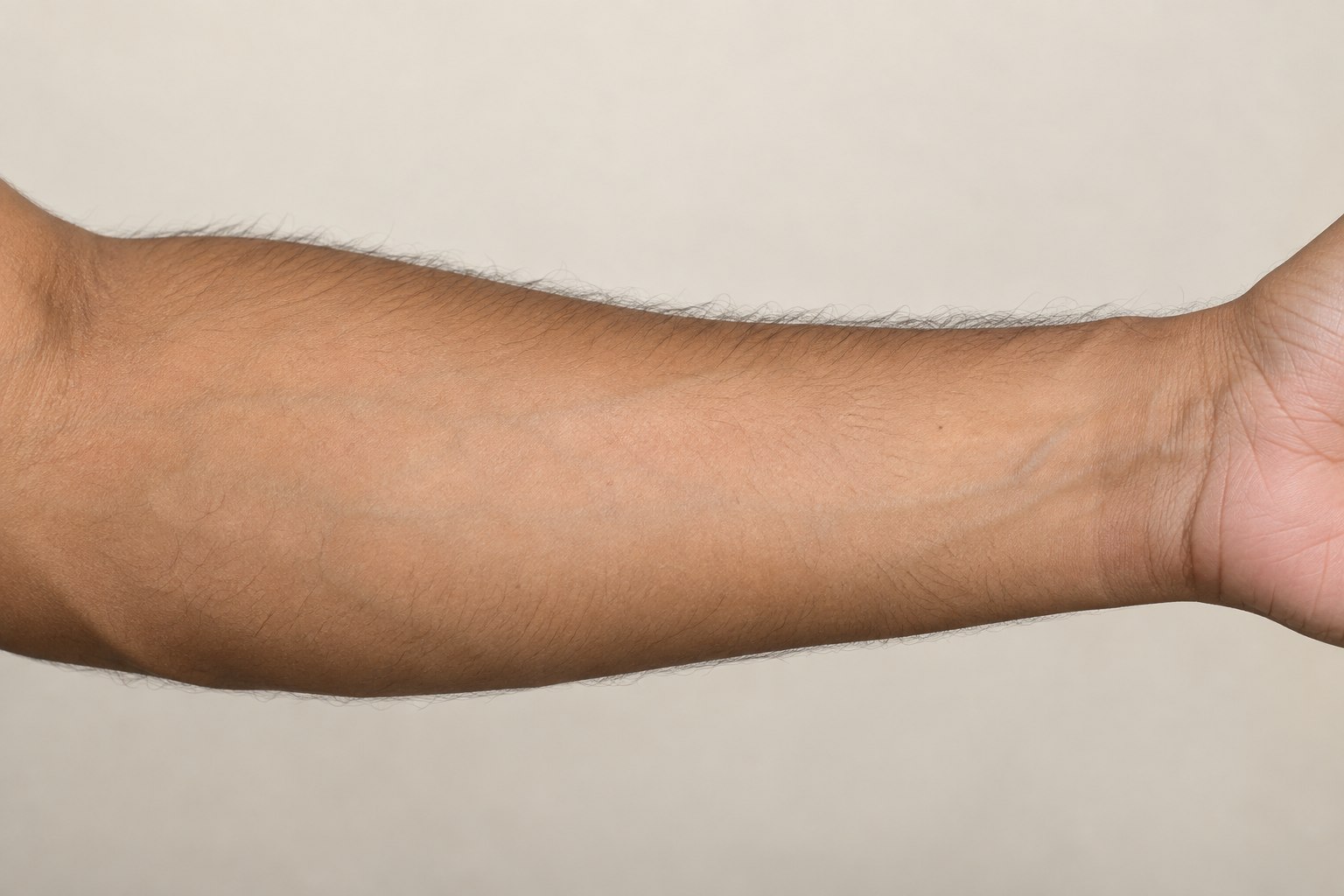
Compare the inner and outer forearm in separate photos. A long branch can follow the arm, while a compact symbol leaves more open space around it. Decide whether the design should face you or someone looking at your arm, and compare it with the wrist and elbow visible.
Browse forearm tattoo examples →Wrist Tattoo Placement
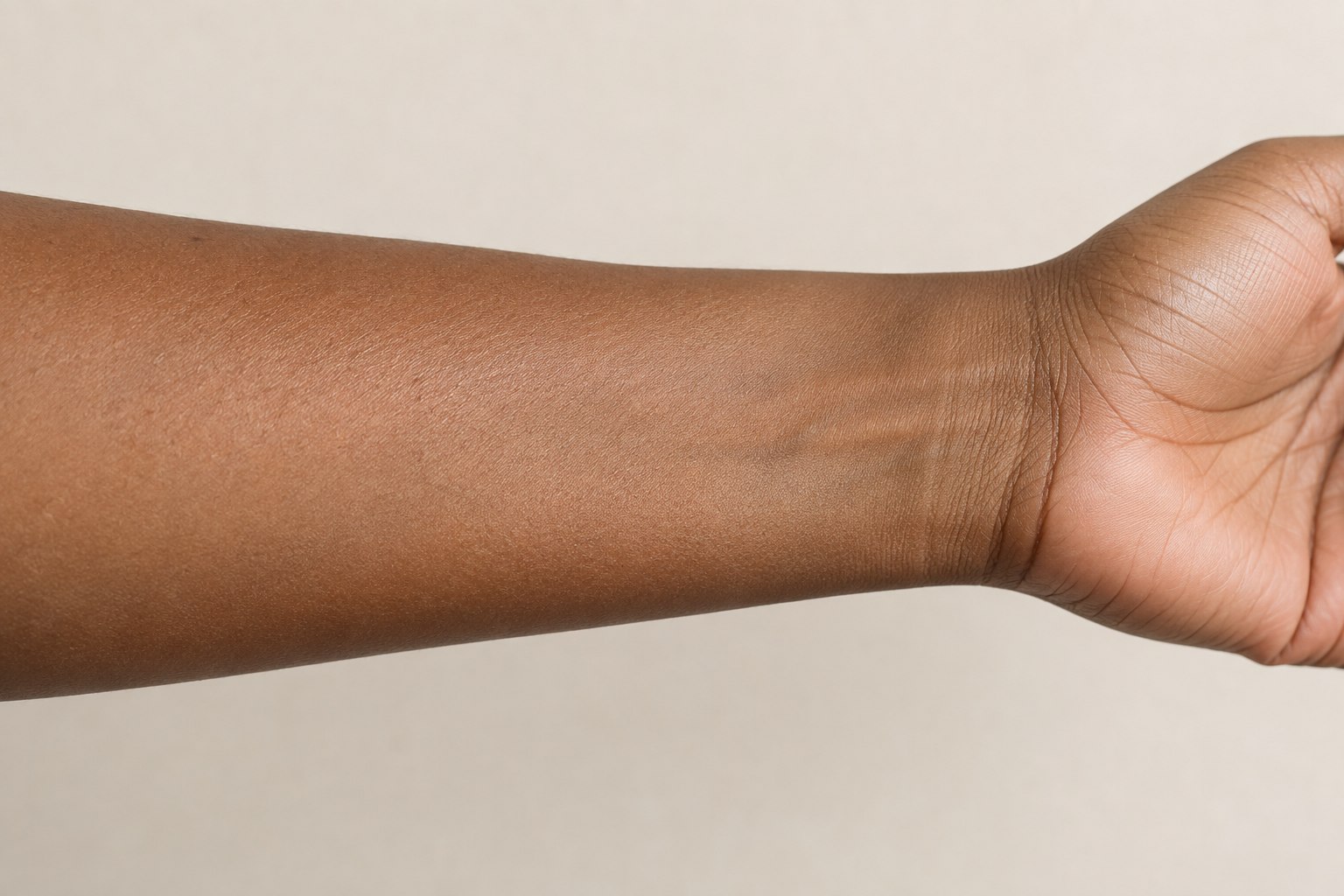
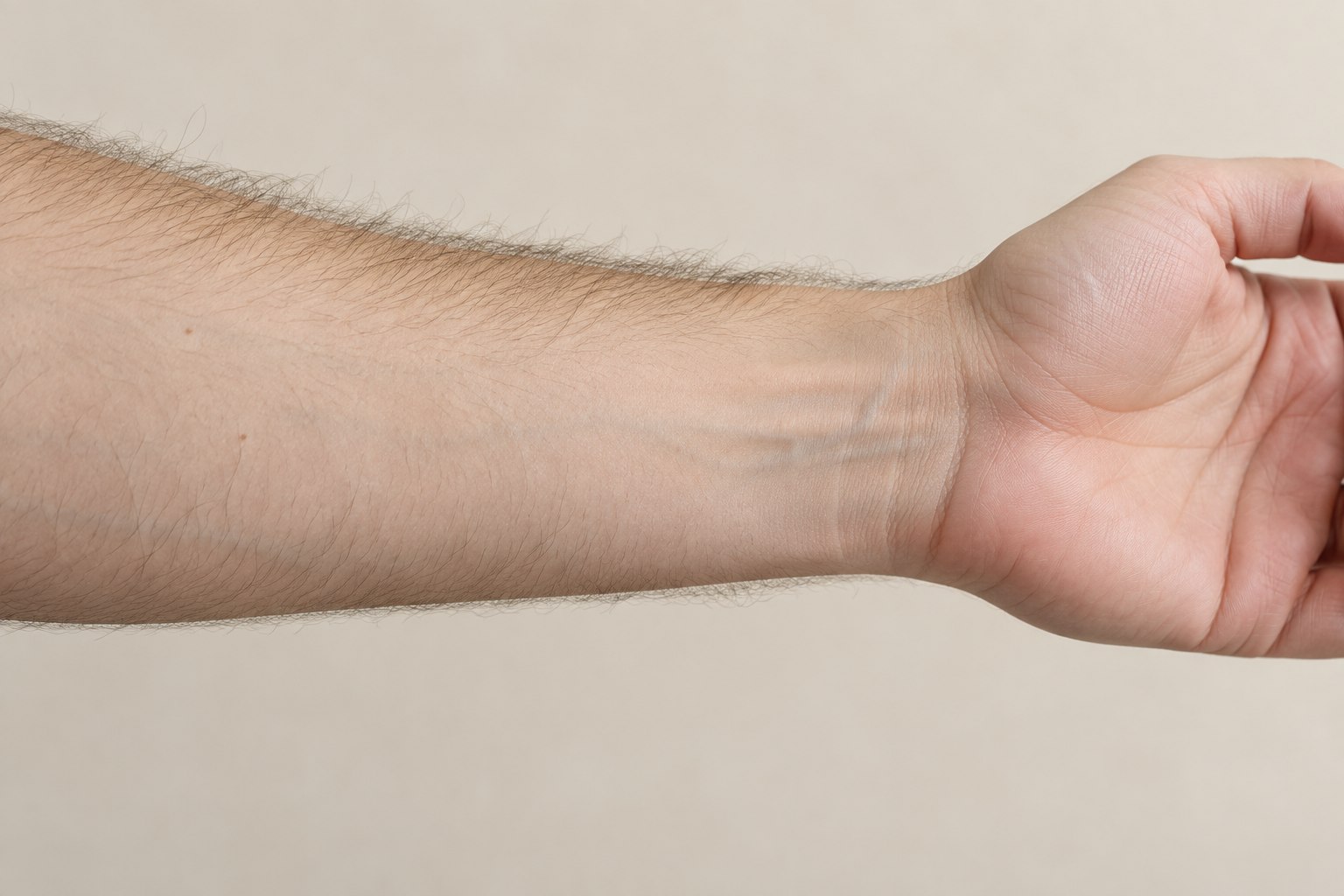
Use a relaxed hand position and keep the wrist crease visible. Try a short design along the arm and another across it. Include a watch or bracelet in a separate photo if that is part of your normal day. Ask your artist about enough room for the details rather than shrinking a complex image until it fits.
Browse wrist tattoo examples →Hand Tattoo Placement
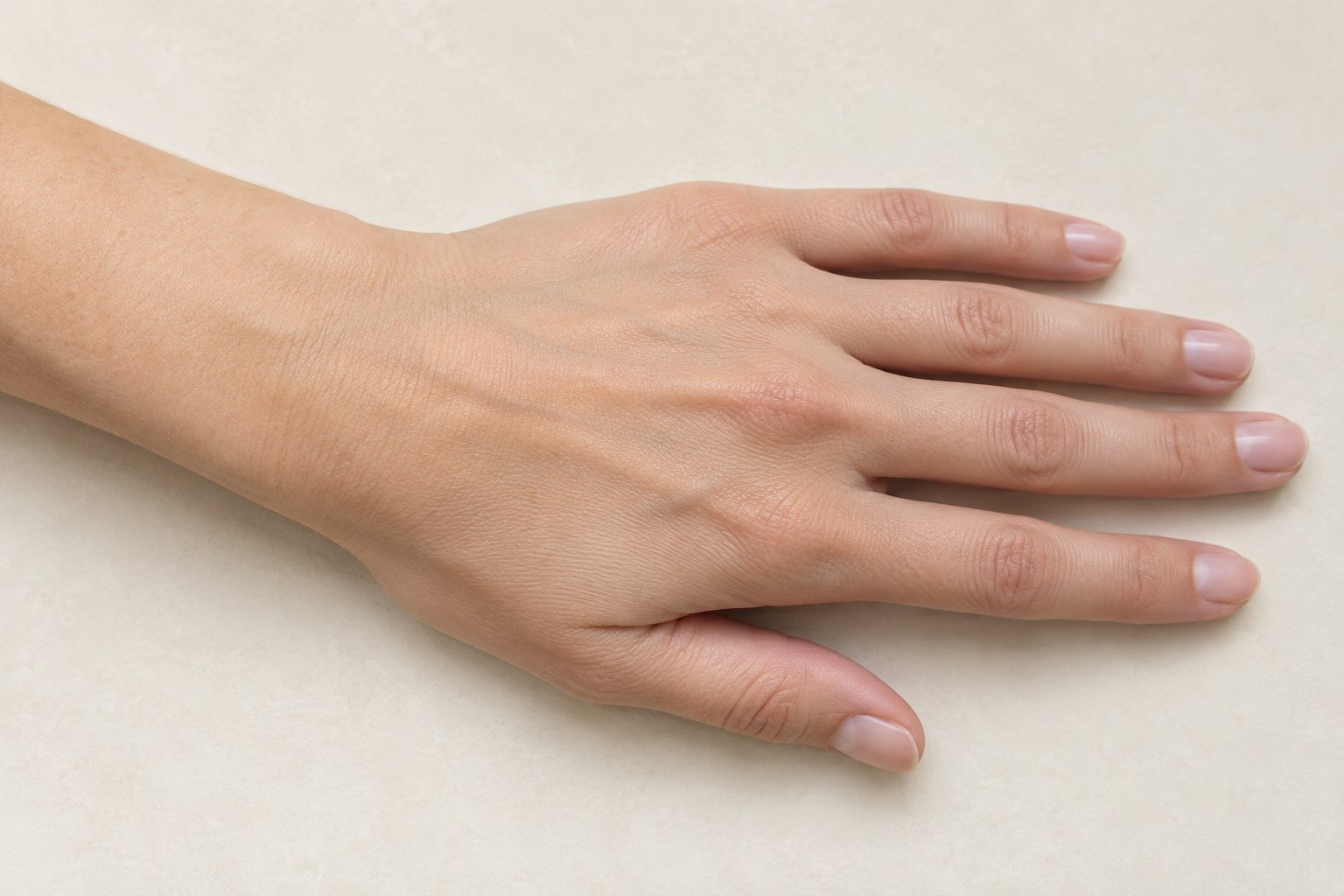
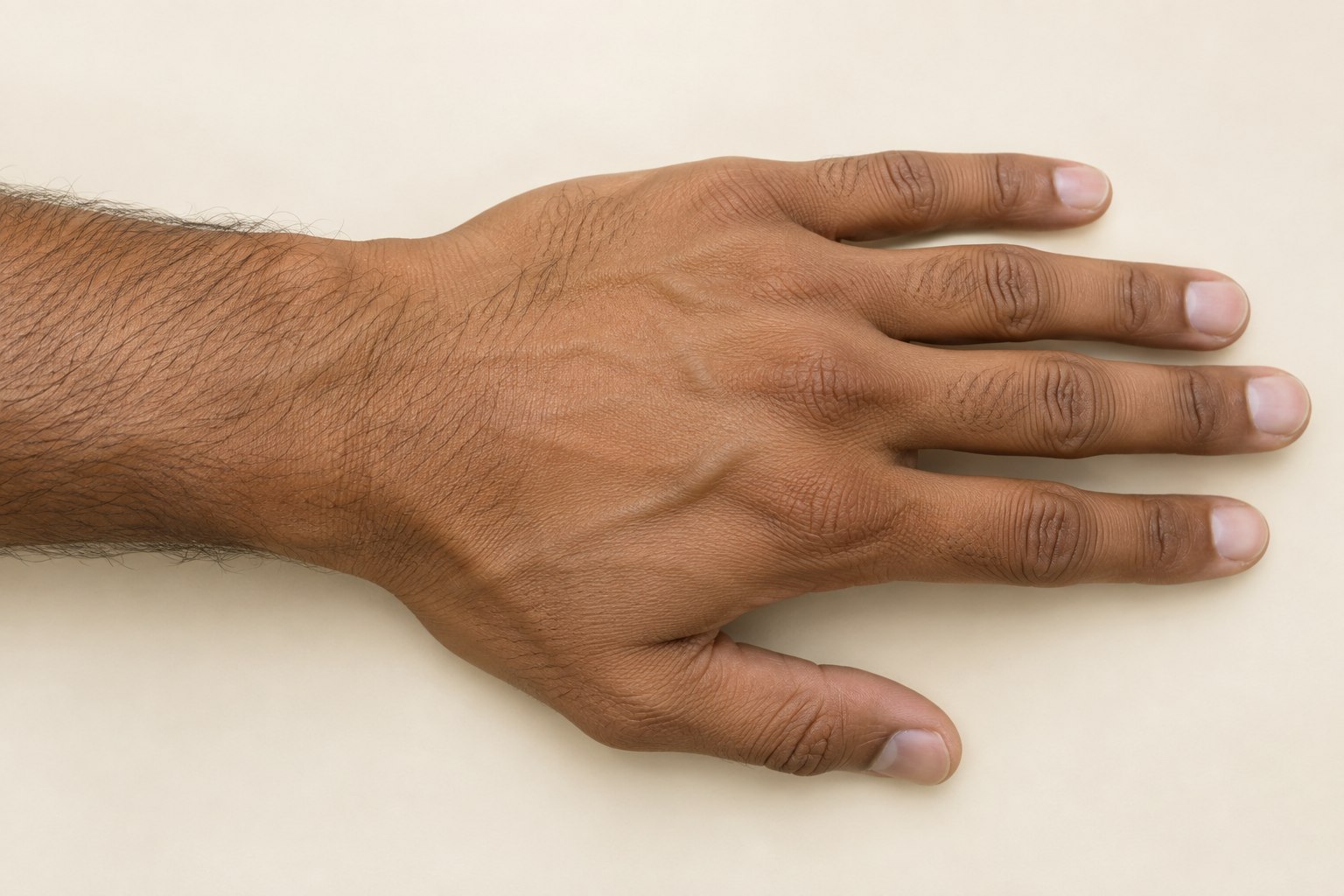
Decide whether you want the design centered on the back of the hand or offset toward an edge. Compare an open hand with a relaxed pose and look at the space around the knuckles. A flat preview cannot show every movement, so use several photographs before settling on orientation.
Browse hand tattoo examples →Ankle Tattoo Placement
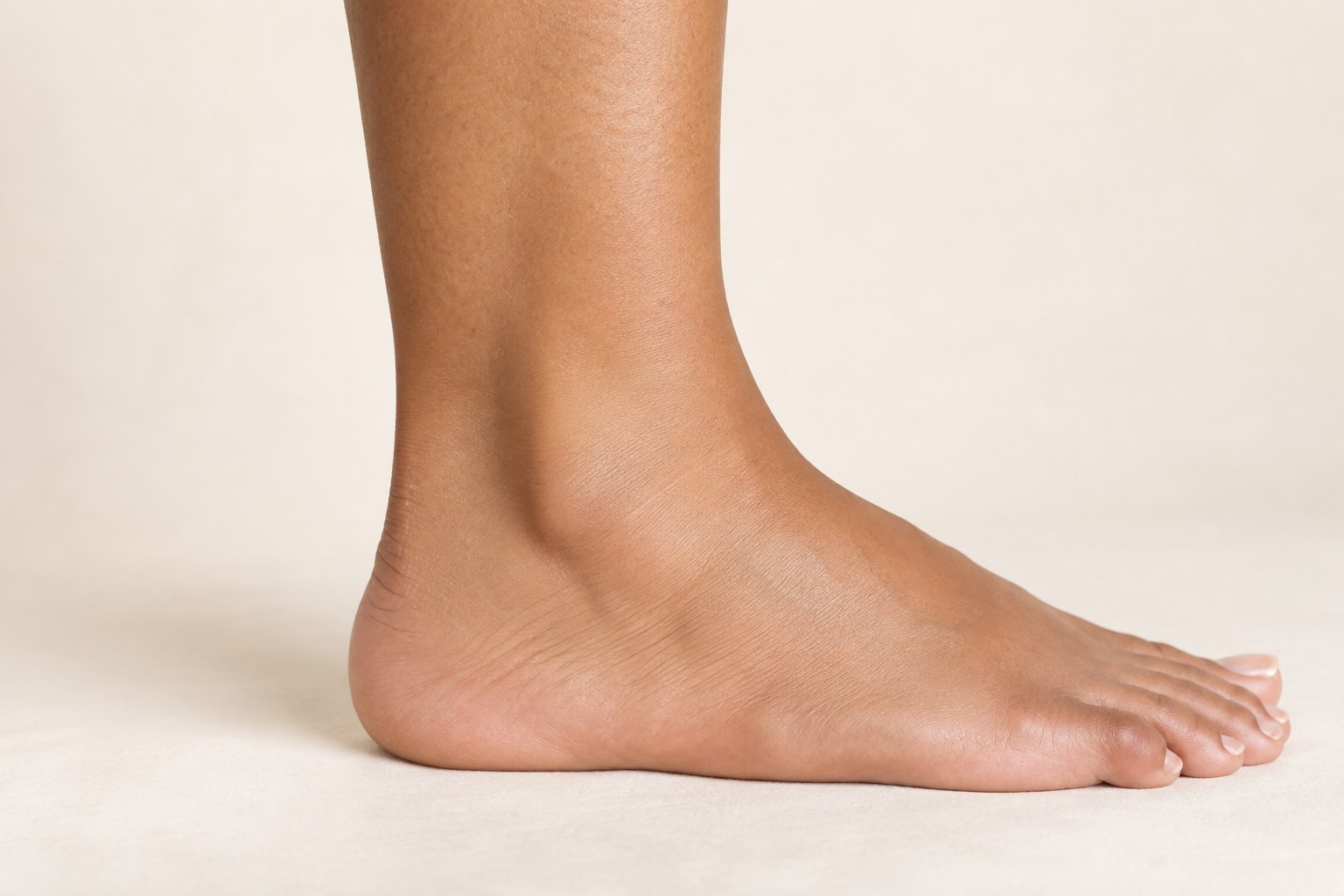
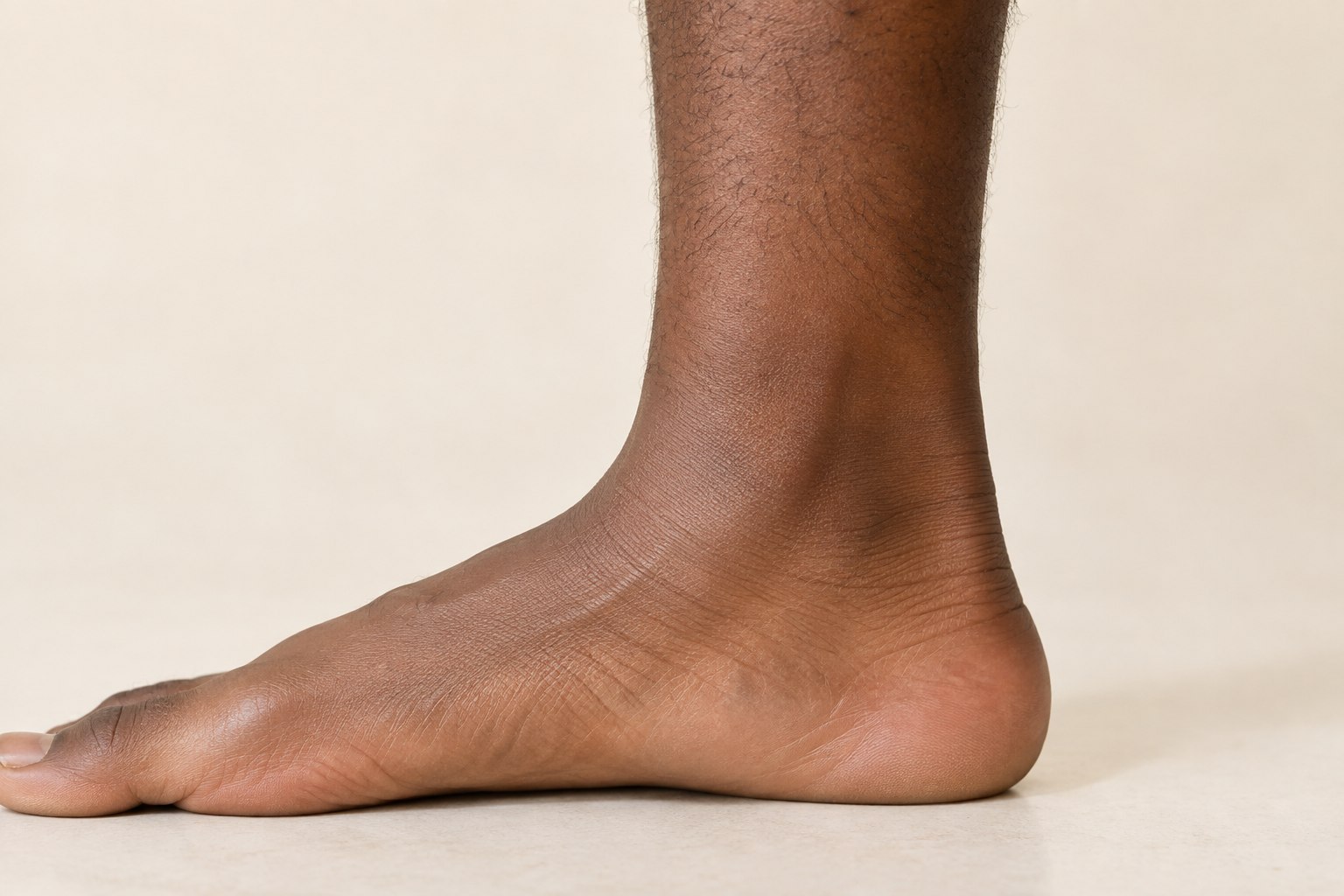
Compare the inside and outside separately, with the lower leg and foot in the frame. A small wave and a longer vertical motif create different relationships with the ankle. Take an additional photo with the footwear you normally wear if visibility matters to your decision.
Browse ankle tattoo examples →Upper Arm Tattoo Placement
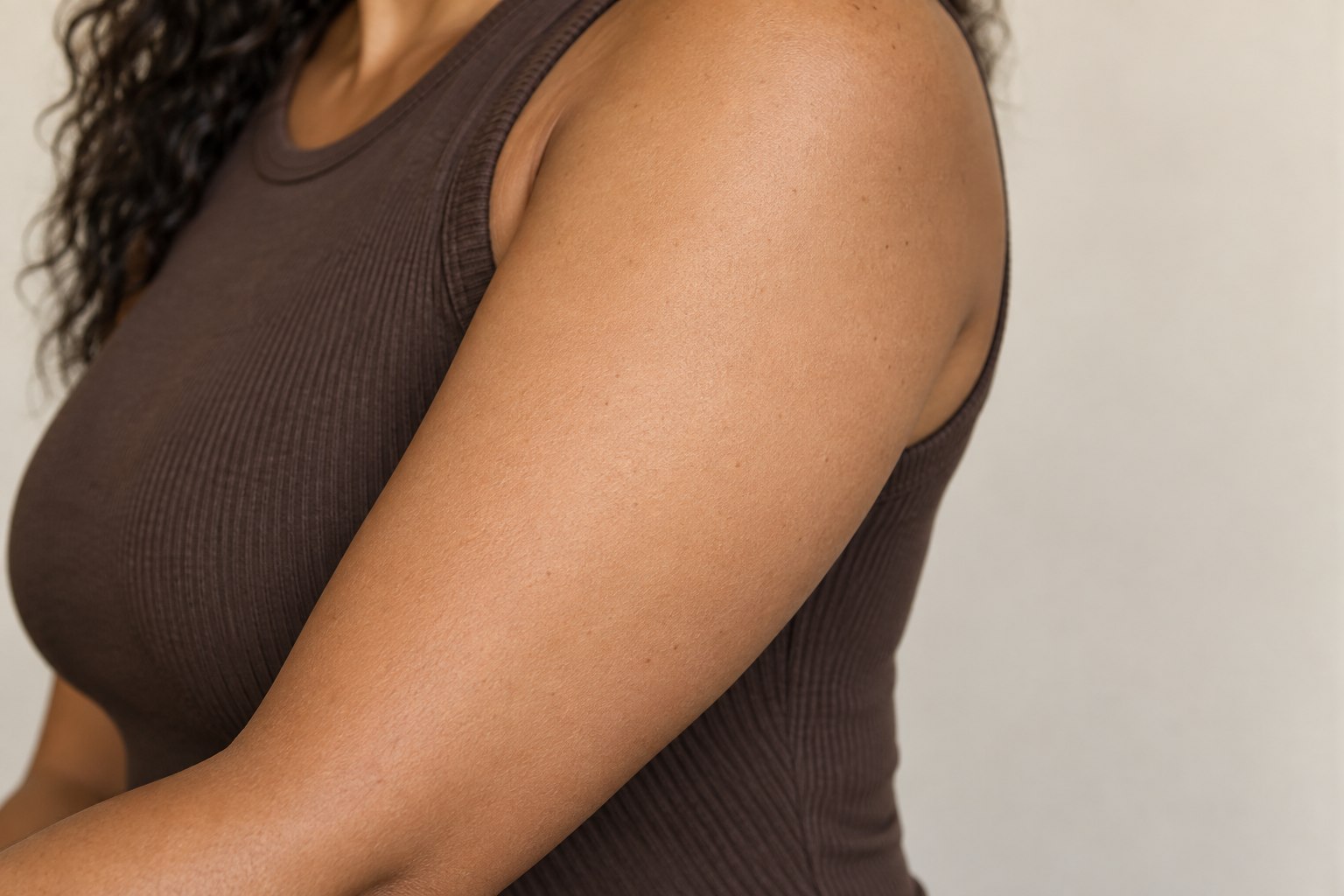
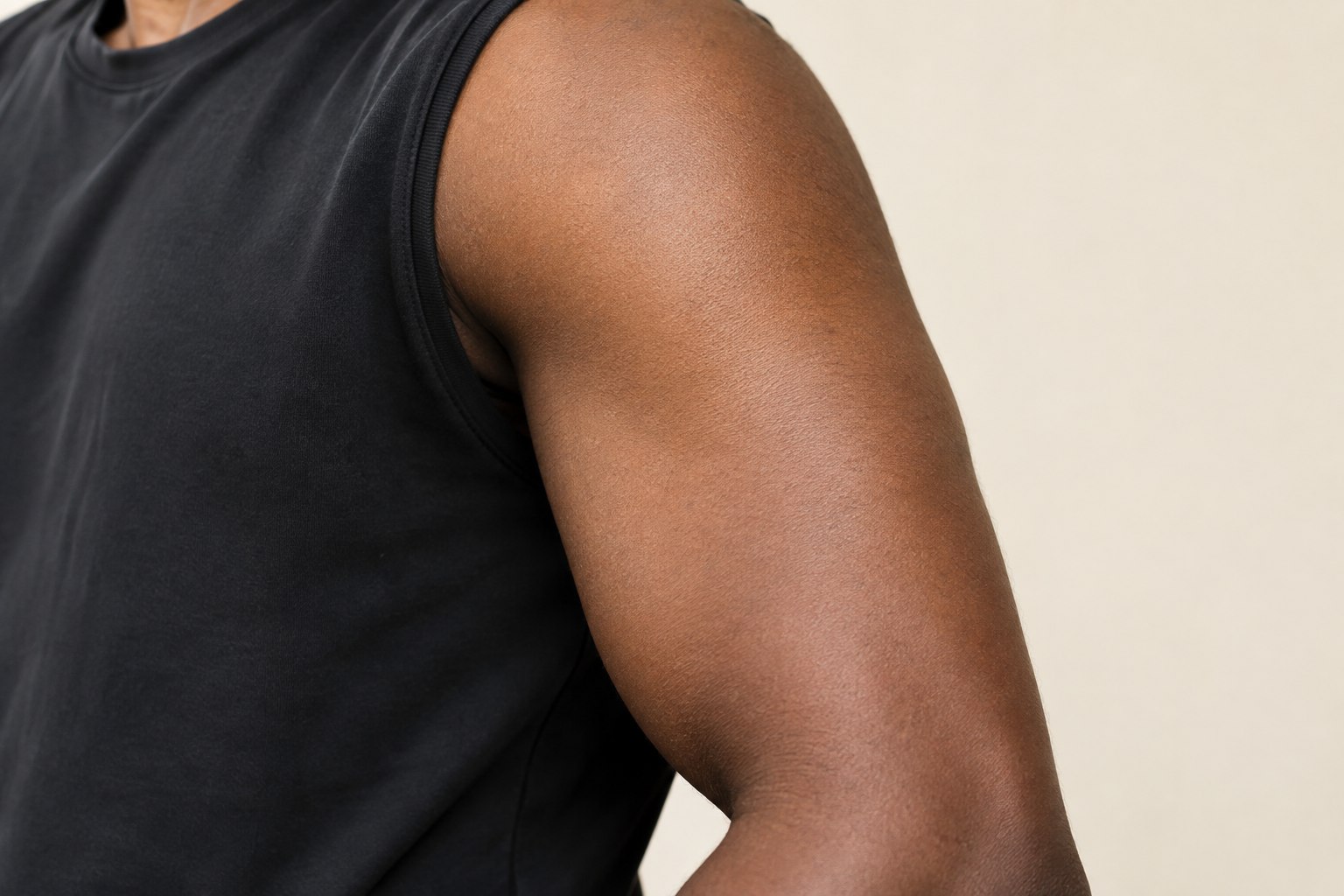
Try a centered composition and a slightly forward position. Photograph the arm relaxed, then compare a second pose if the design needs to stay readable during movement. Consider where a sleeve ends and whether you want room to add artwork later.
Try a design — choose upper arm in the editor →Shoulder Tattoo Placement
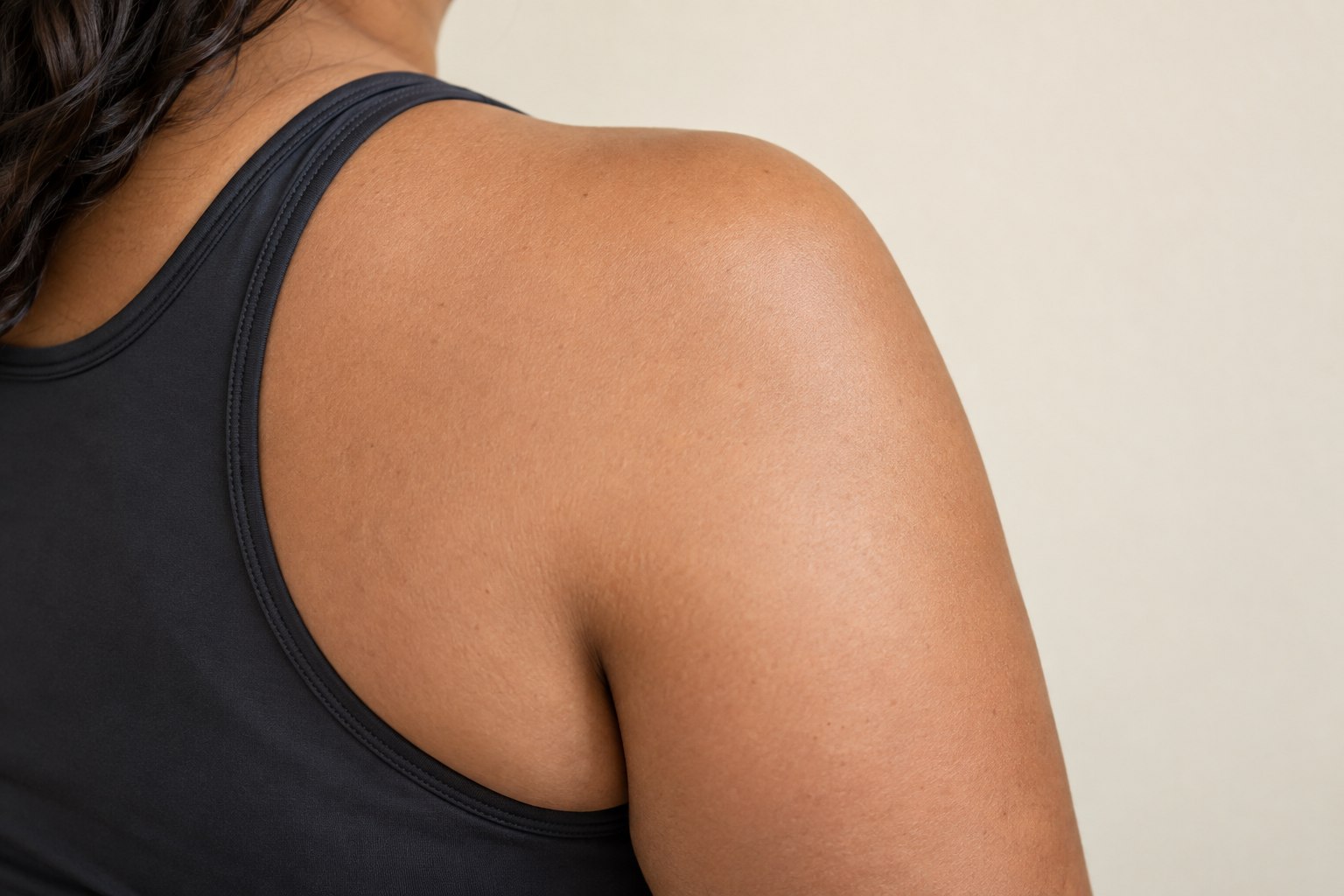
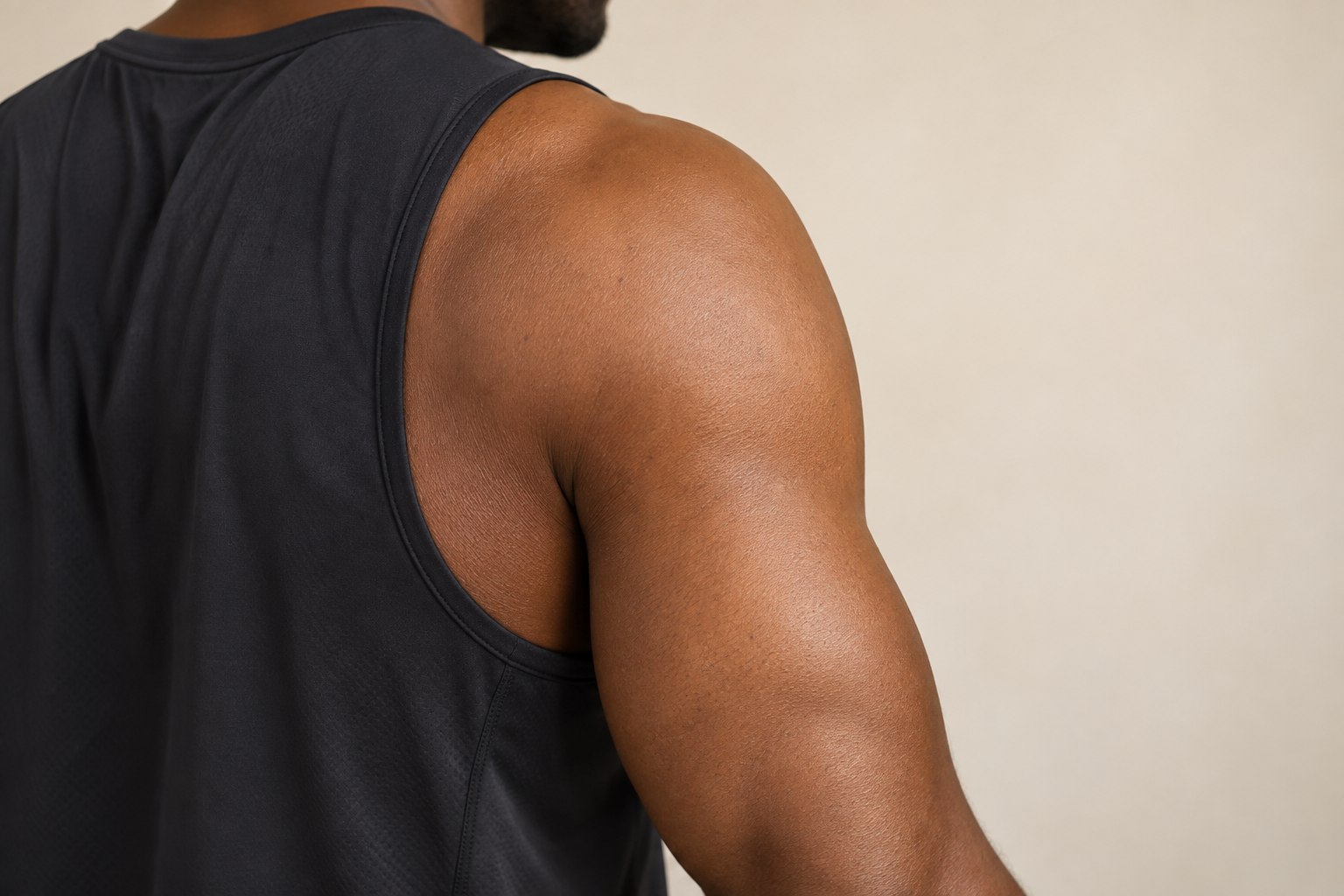
A shoulder curves away from the camera quickly. Use a photo facing the intended surface, then another from the side. A wide design may look balanced in one view and compressed in another. Use the preview to discuss the idea, and let an artist plan how the artwork follows the actual surface.
Try a design — choose shoulder in the editor →Back Tattoo Placement
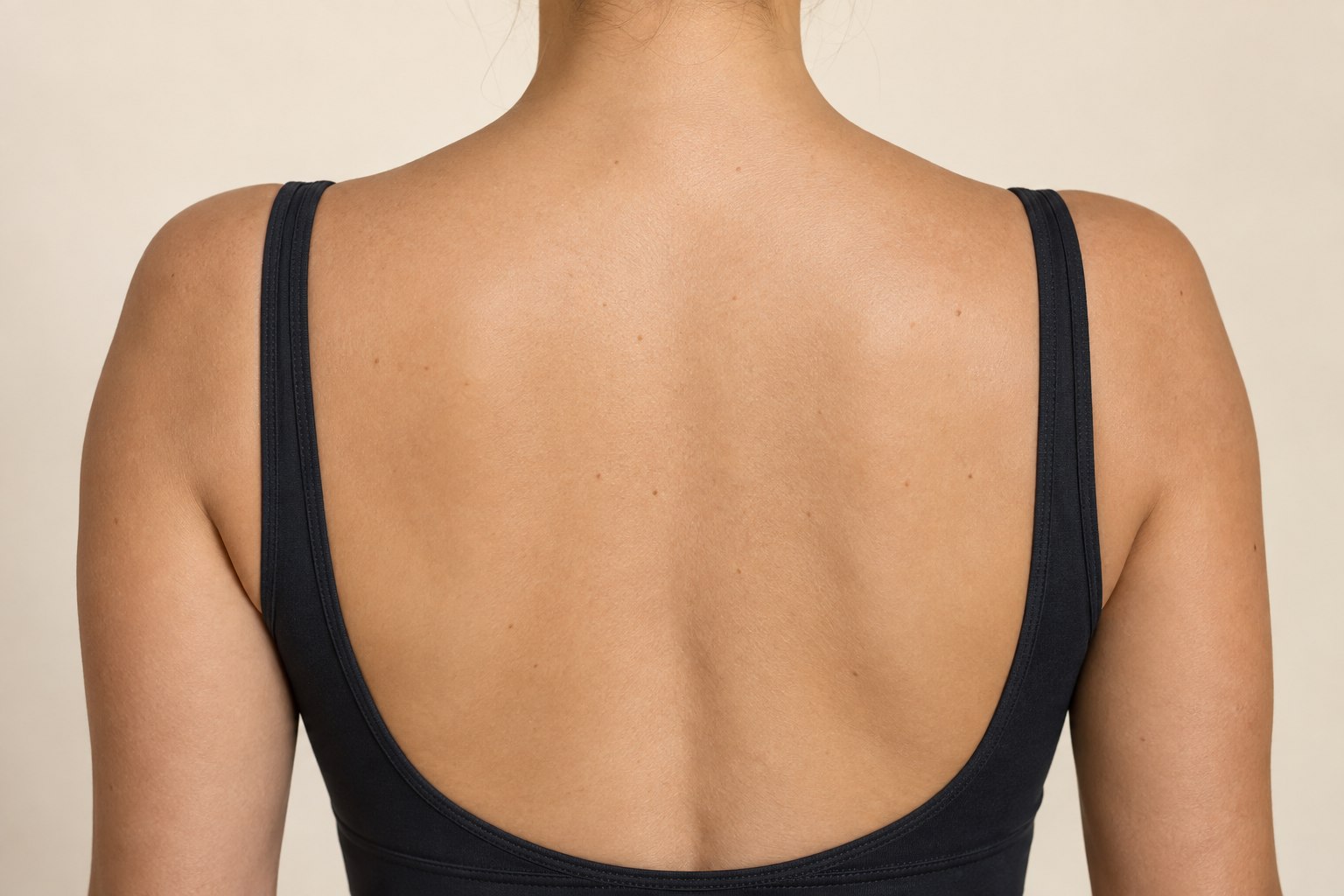
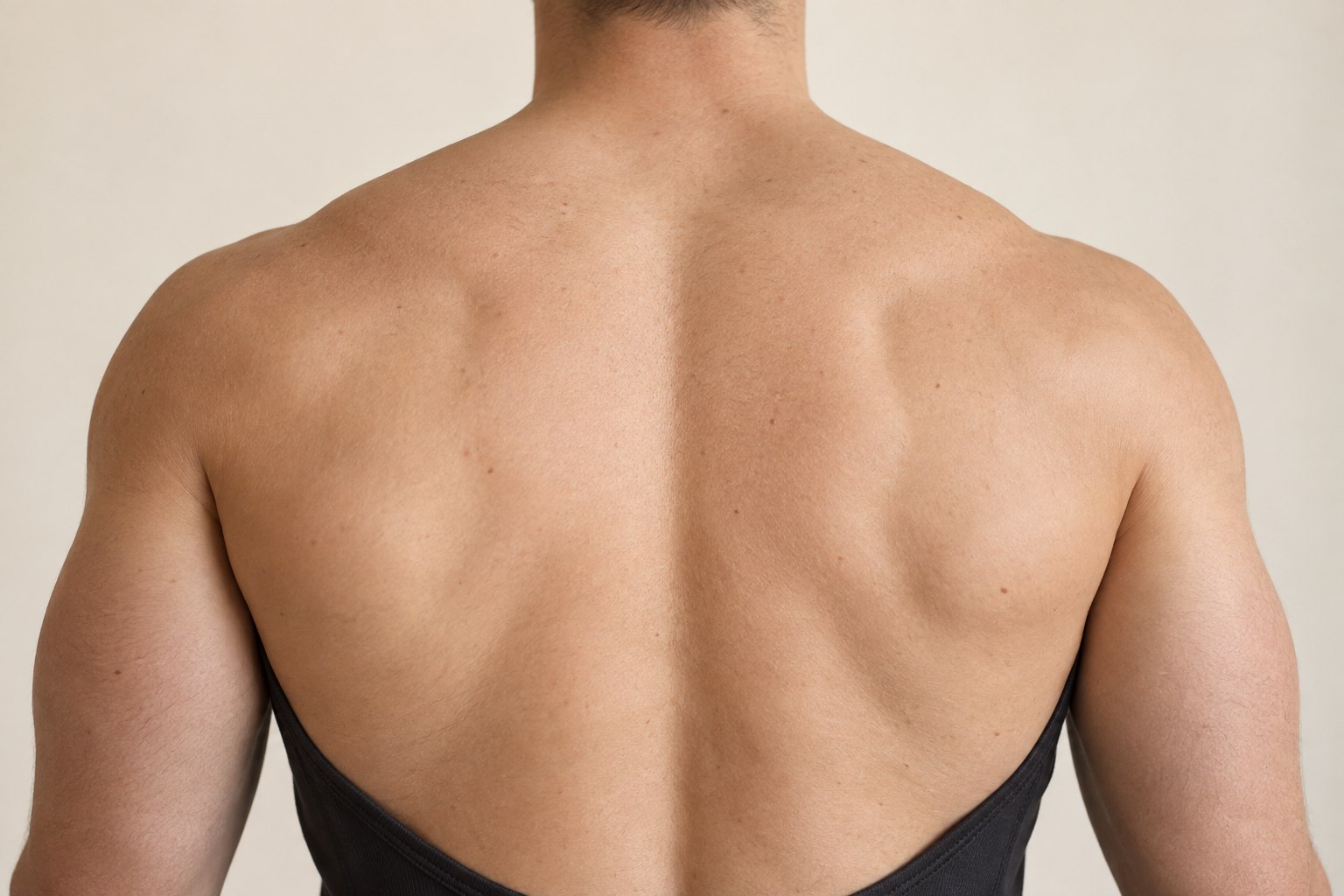
Compare a centered design with an offset position, using the spine and shoulder line as references. A wide landscape and a narrow vertical design use the space differently. Keep the camera level and use similar posture when comparing versions, so a changed pose does not become a misleading size comparison.
Try a design — choose back in the editor →Thigh and Leg Tattoo Placement
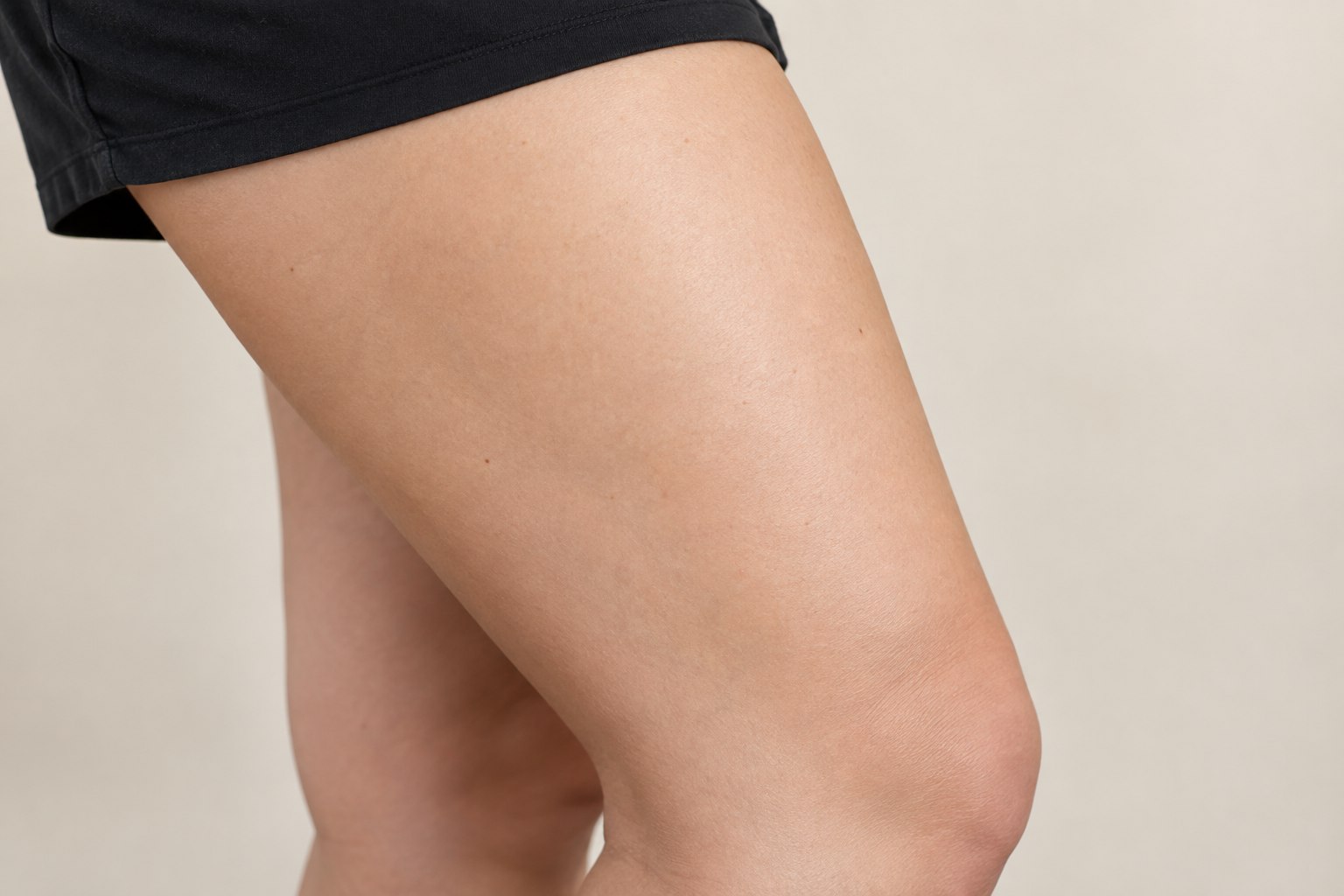
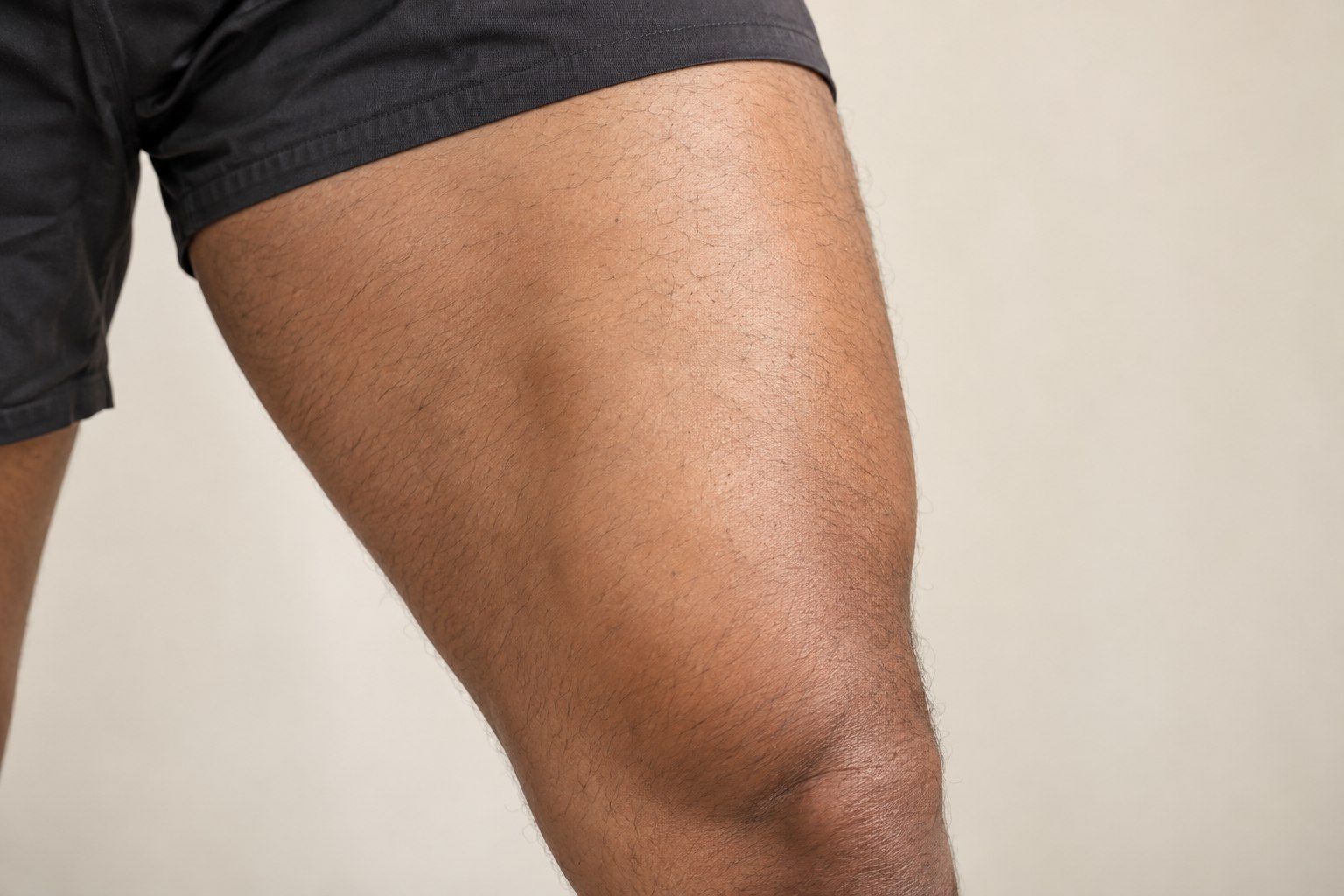
Leave enough of the leg visible to judge a design against the whole area. Compare a long motif along the thigh with a broader composition. Photograph standing and seated positions separately if both matter to you, and consider the clothing coverage you prefer.
Try a design — choose thigh and leg in the editor →Small Design or Part of a Sleeve?
If you may add more artwork, save a version with extra space around your first design. Tell your artist whether the piece is meant to stand alone or become part of a larger composition. The simulator works with one tattoo layer at a time; it does not plan a full sleeve or solve how multiple designs connect.
Other Areas and Your Own Photos
The preset library covers the eight areas above. To compare a chest, calf or another area, upload a clear, non-explicit adult photo with the intended surface visible. Choose a design from the tattoo designs collection or bring your own artwork. Do not treat a preset model as a match for your anatomy.
Take Two Options to Your Artist
Download one preferred placement and one clear alternative. Bring the original artwork too, and explain your preferences about coverage and orientation. An artist should confirm physical size, linework and placement on your body. This guide does not rank pain, healing or medical suitability.
Compare your placement in the tattoo simulator