Wrist Tattoo Ideas and Placement Examples
Wrist tattoo ideas often focus on a compact shape or a motif following the arm. Compare six examples below and look at the open space between each design and the hand. The images use synthetic adult models and a flat Classic overlay.
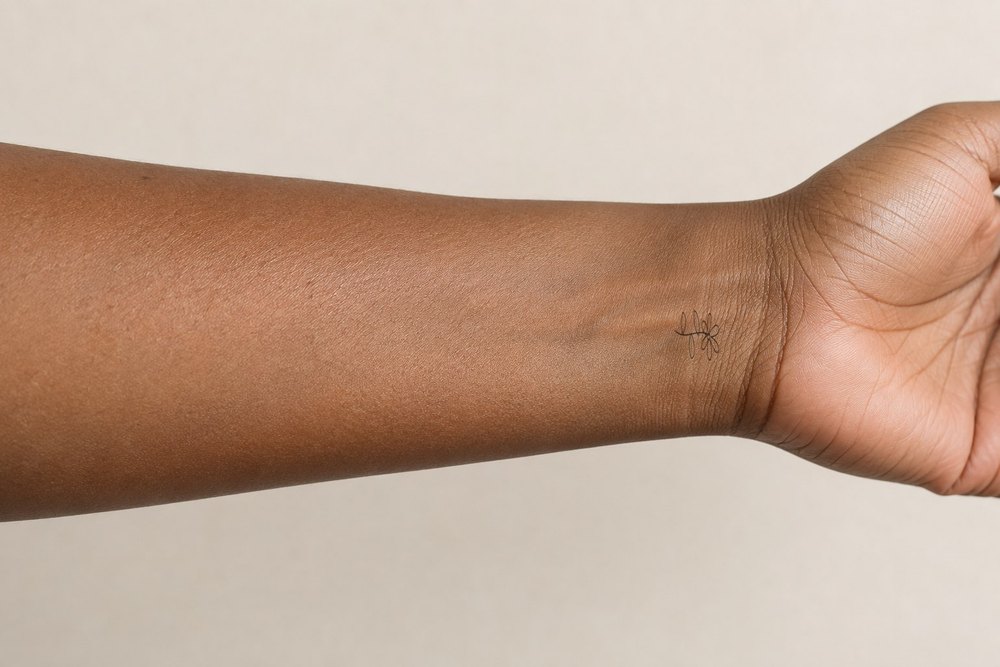
Wildflower · wrist
Compare the long stem with the direction of the body area. Keep open space at both ends rather than filling every available edge.
Classic composite · adult AI model · not a real tattoo
Try this placement →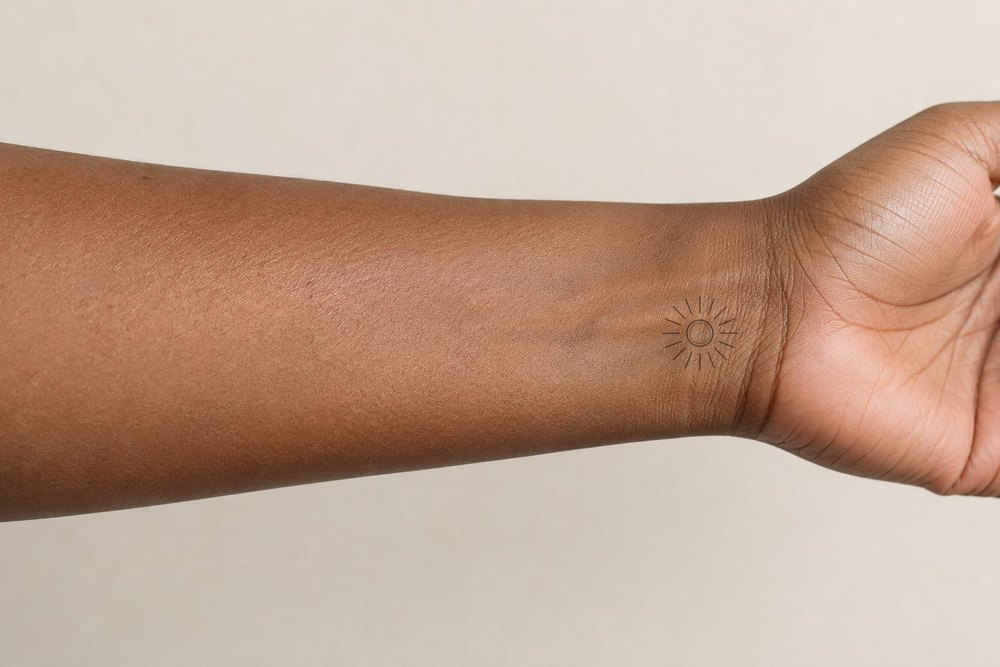
Solstice · wrist
This compact circular motif puts the focus on its center. Compare a centered position with a slightly offset one on your own photo.
Classic composite · adult AI model · not a real tattoo
Try this placement →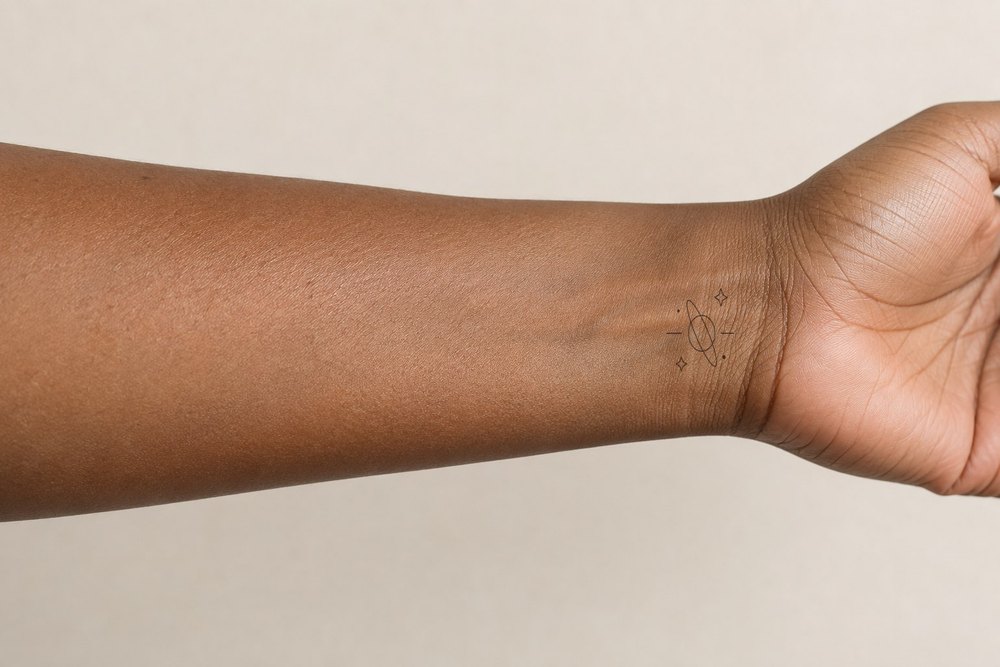
In orbit · wrist
The repeated circles make balance and alignment easy to compare. A flat overlay does not correct for the curvature of the surface.
Classic composite · adult AI model · not a real tattoo
Try this placement →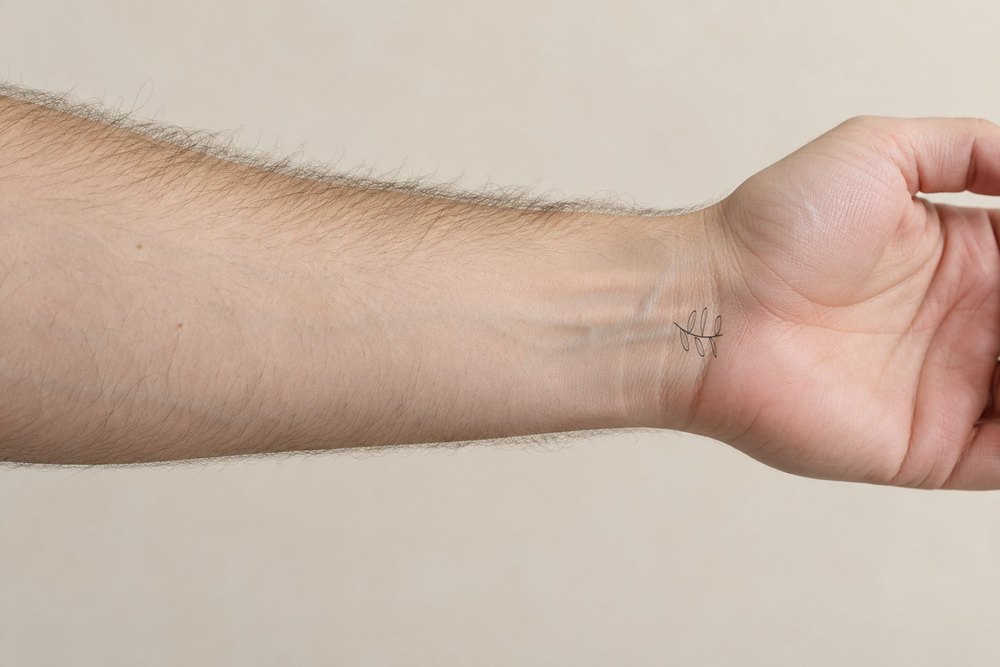
Olive branch · wrist
The narrow branch creates a directional composition. Rotate a personal preview to compare the leaves pointing toward or away from a nearby joint.
Classic composite · adult AI model · not a real tattoo
Try this placement →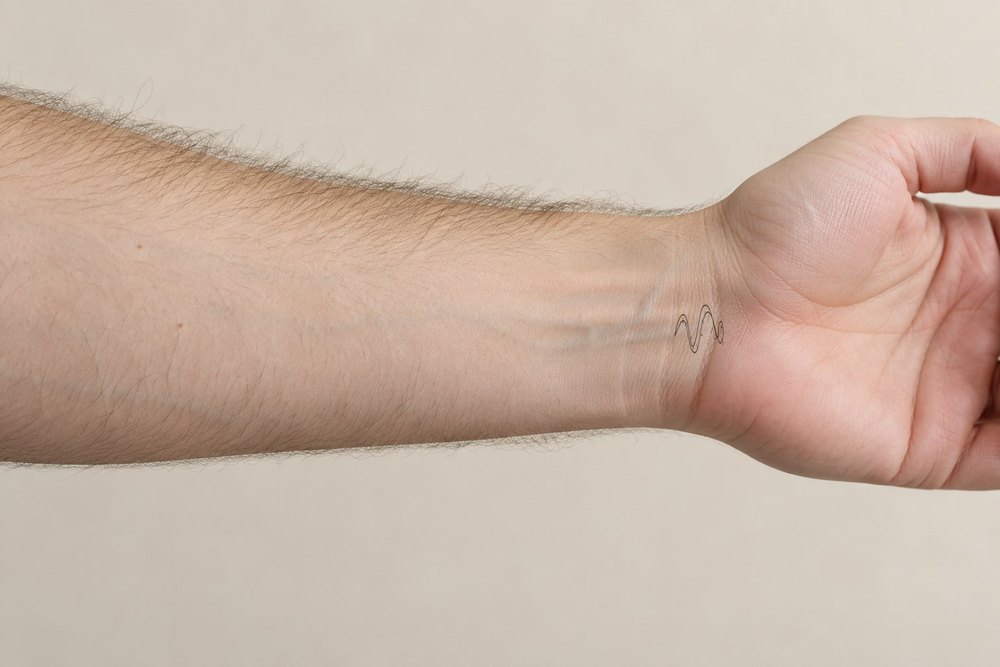
Serpent · wrist
The darker silhouette creates a stronger focal point. Compare the space around the design before choosing a larger size.
Classic composite · adult AI model · not a real tattoo
Try this placement →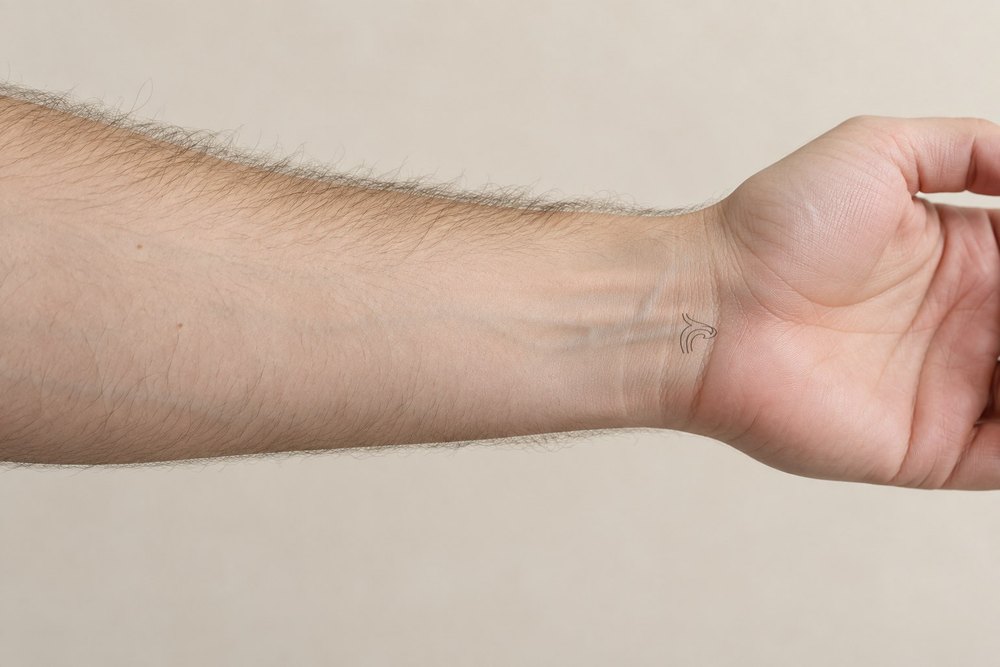
Still moving · wrist
A short horizontal shape leaves plenty of surrounding space. Use the wrist or ankle edge as a visual reference when comparing orientation.
Classic composite · adult AI model · not a real tattoo
Try this placement →Which Styles Can You Compare on the Wrist?
Fine-line branches, compact minimal symbols, geometric circles and darker silhouettes each use the space differently. Start with the outline of the design and compare the available room around it. The gallery links to each style so you can change the subject while keeping a similar visual direction. Every example opens the actual simulator with the matching body preset and artwork.
Compare Surfaces and Orientation
Photograph the inner wrist and outer wrist separately, with the hand relaxed. Check which way you want the design to face and compare the composition with a watch or bracelet if you wear one. The examples do not wrap the design around the wrist like a band.
A Standalone Design or a Larger Composition?
A wrist motif may stand alone or become a boundary for a larger forearm composition. Save one version with extra space above it and another at your preferred size. A small change in position can alter the relationship to neighboring artwork or accessories.
Check Size and Detail With Your Artist
A photograph has no fixed physical scale. Zooming in can make small details look more practical than they would be on skin. Save two clearly different sizes and ask an artist to confirm line weight, spacing and final dimensions. These examples are visual references; they cannot predict healed ink, skin movement or long-term appearance.
Try the Placement on Your Own Photo
Choose any example to open the tattoo simulator, then upload a clear, non-explicit adult photo of the same area. Use Edit placement to move and resize the artwork, then return to the before-and-after view. Classic previews stay in your browser and use no AI credits. Download a version before changing the design so you have a reference to compare later.
Still choosing an area? See the tattoo placement guide, browse tattoo designs by style or compare all Classic try-on examples.
Open the tattoo simulator