


Find Tattoo Designs by Style
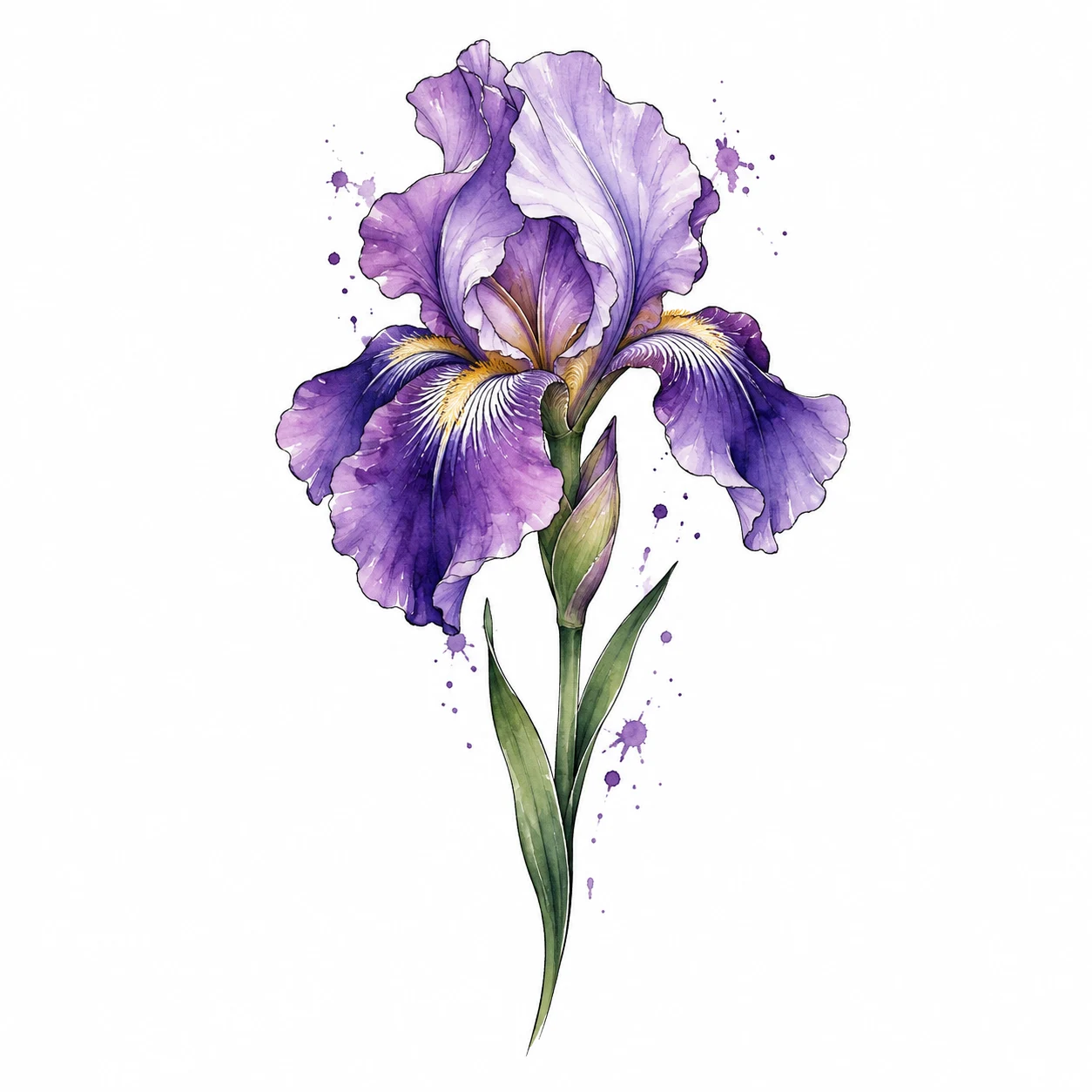
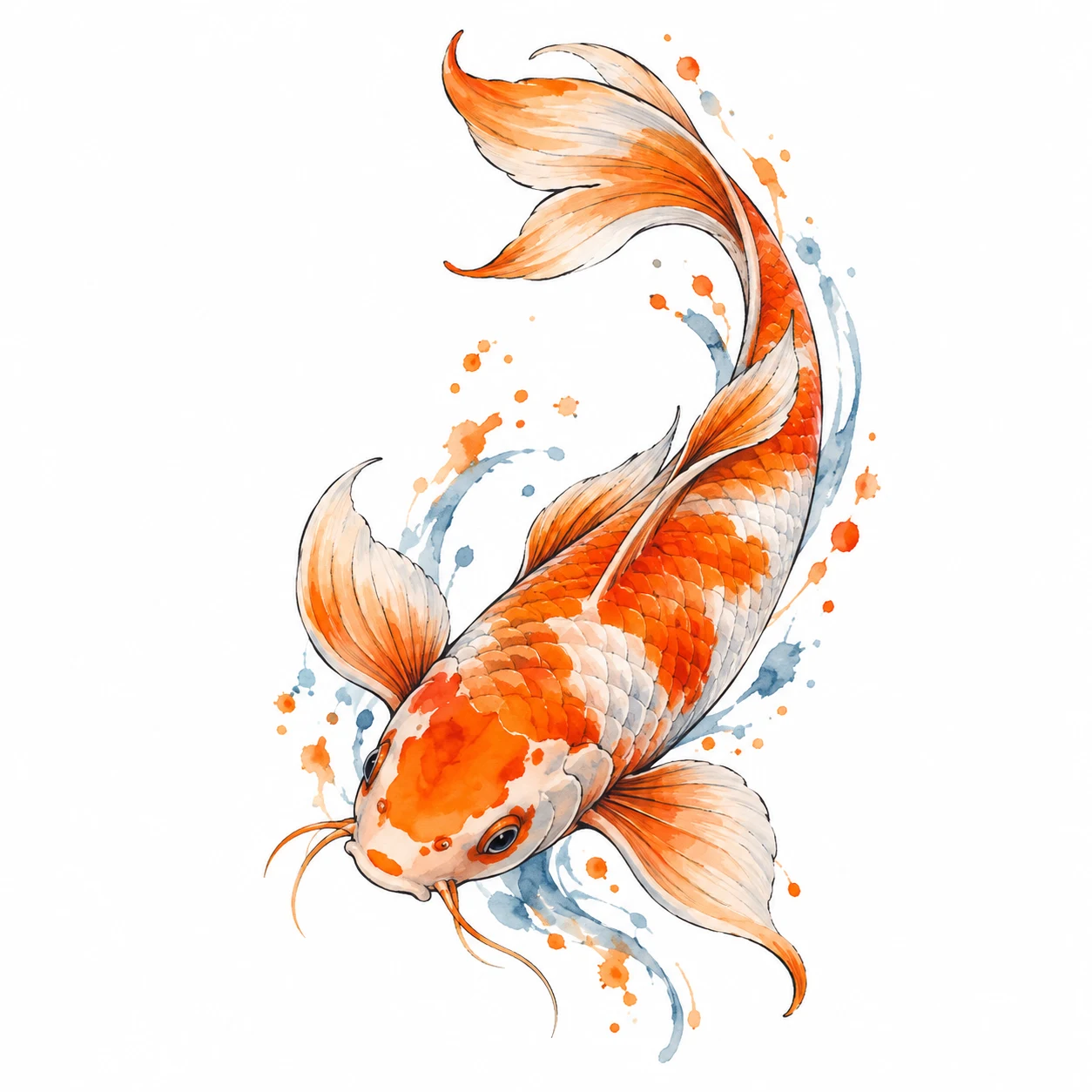
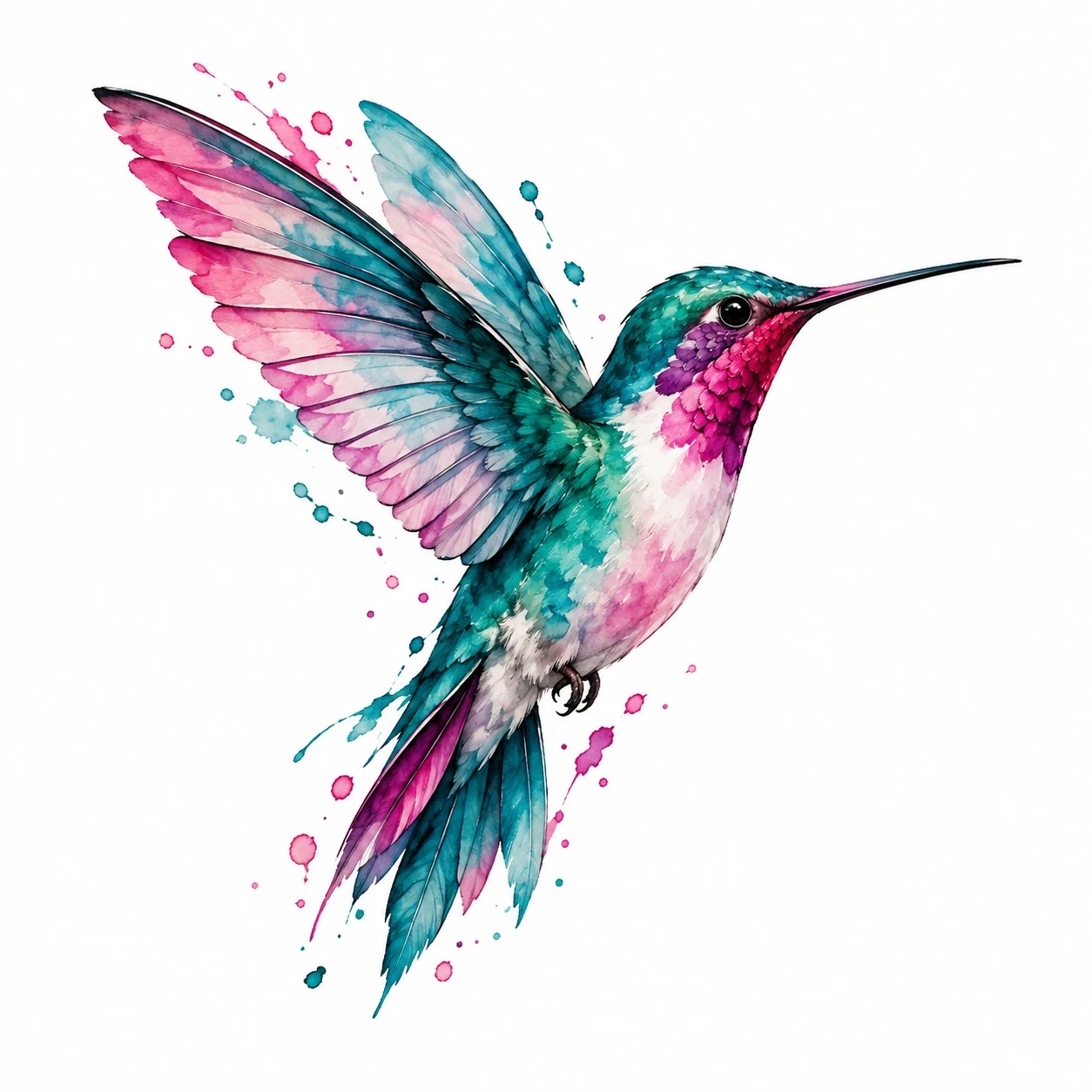
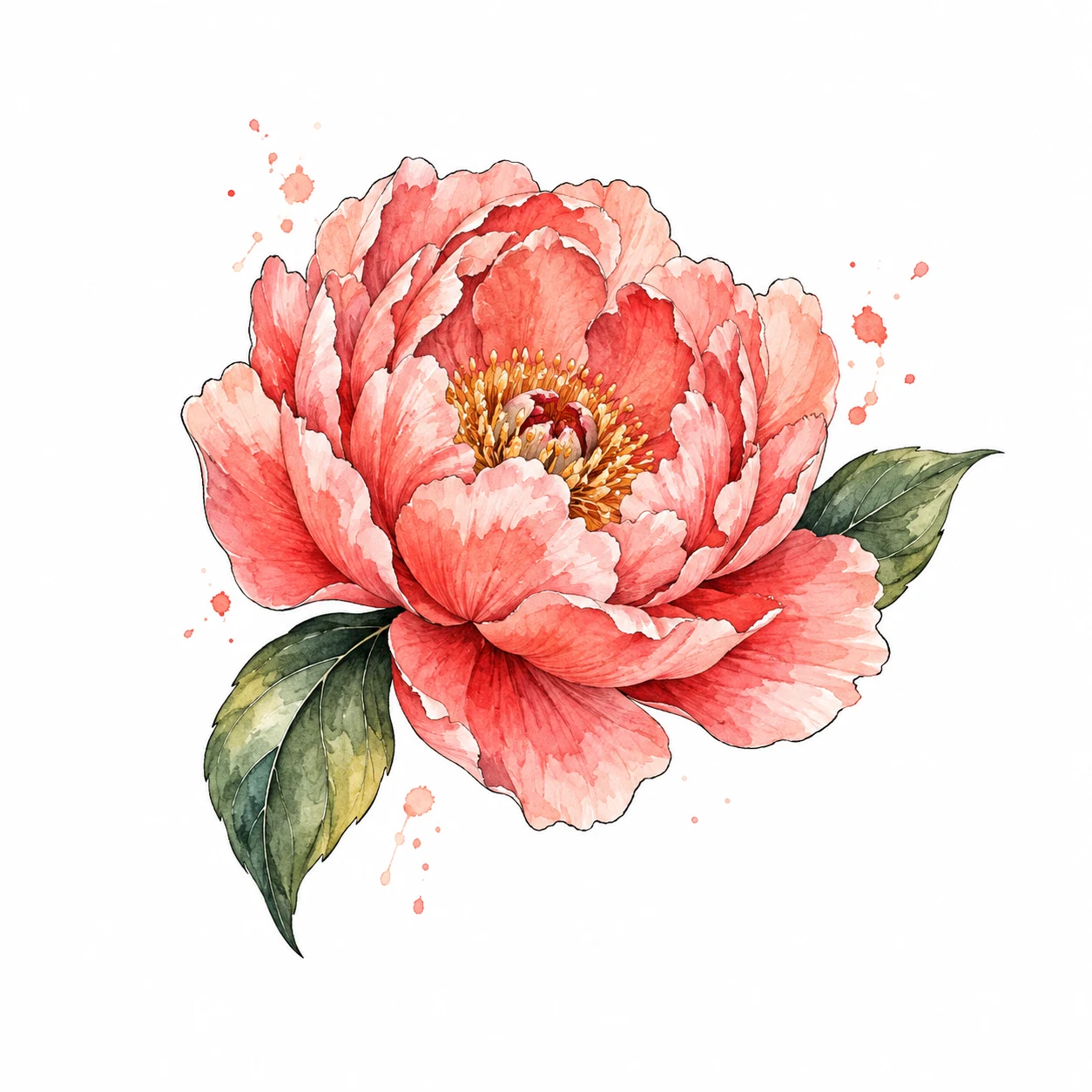
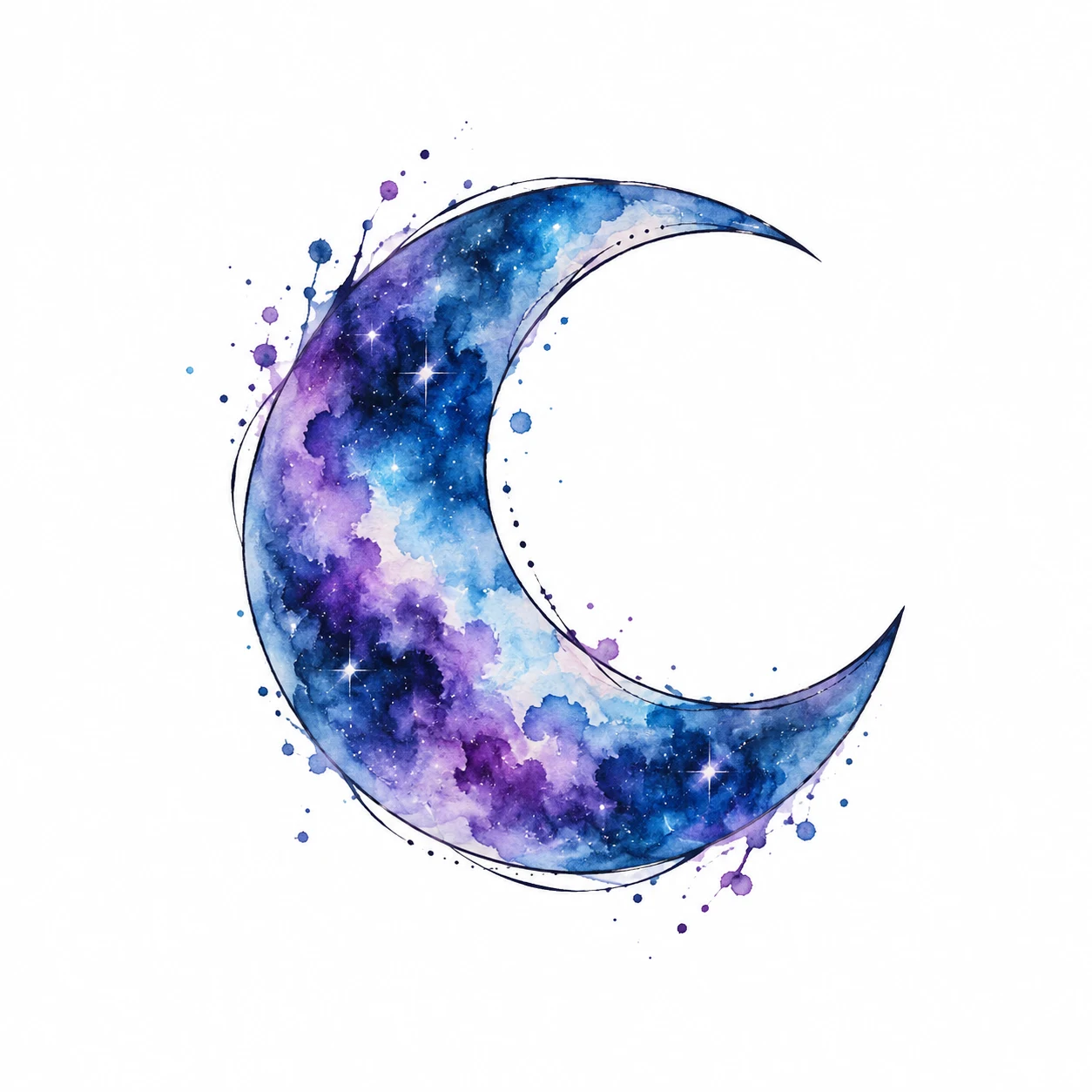
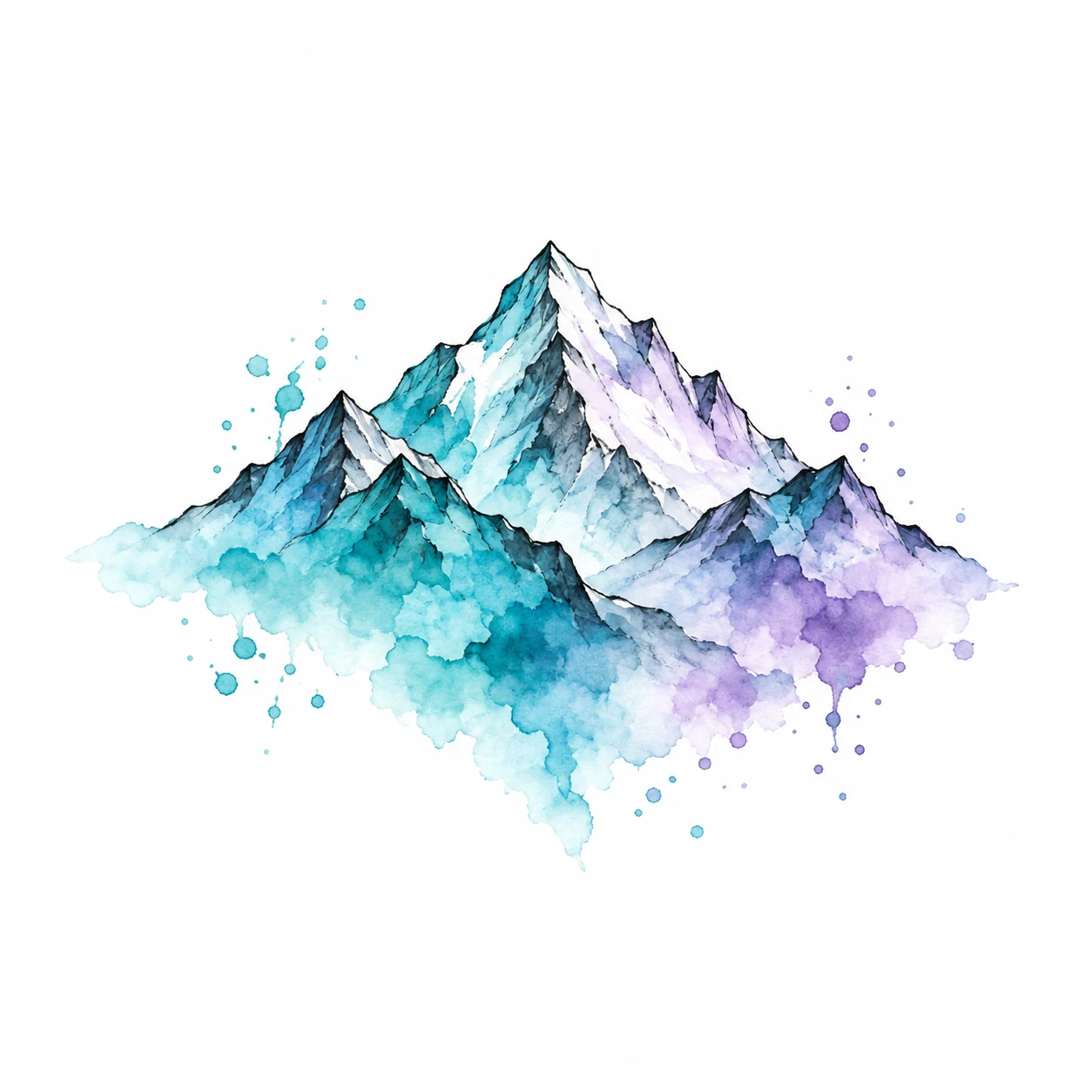
Start with the shape you want to wear, then compare its scale on a photograph. This collection contains 24 original vector studies and six AI watercolor illustrations across five styles. The style notes below point to specific artwork you can try now. Each design opens the same free photo editor; you can change the body area, resize it and save a preview before deciding whether to take the idea to an artist.
Fine Line Tattoo Designs
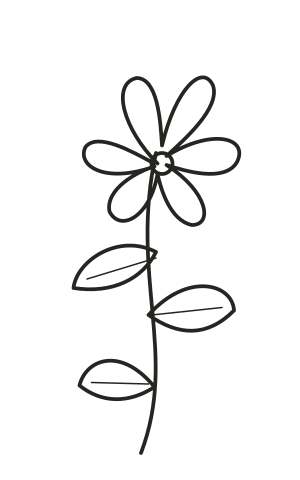
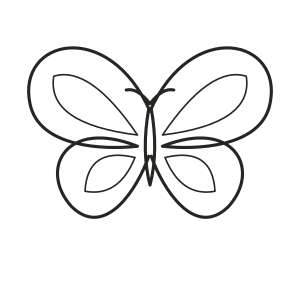
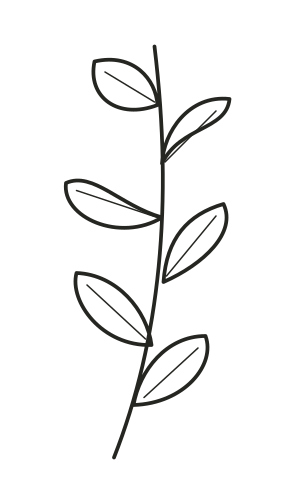
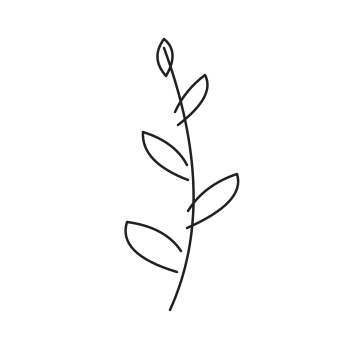
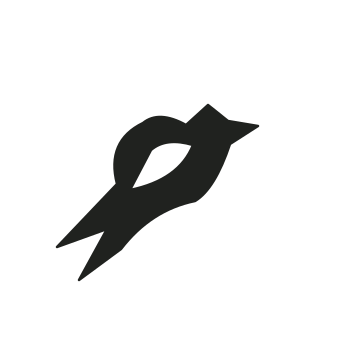
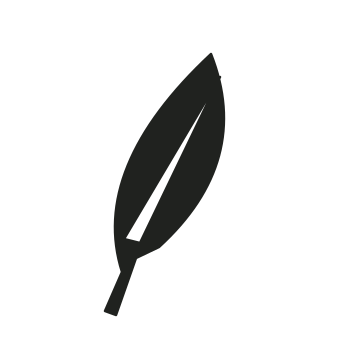
Wildflower, Olive branch and Quiet wings use light outlines and open space. Compare a long stem with a wider butterfly silhouette. View the whole placement before zooming in on detail, and keep a larger alternative if the fine lines become difficult to see. The preview does not establish a minimum tattooable line thickness.
Minimalist and Small Tattoo Ideas
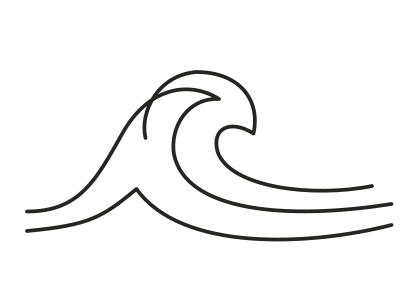
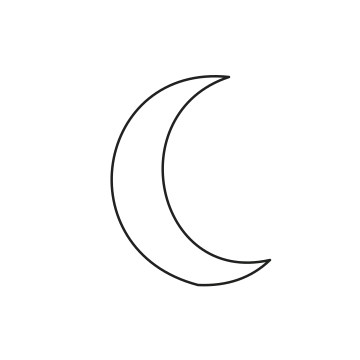
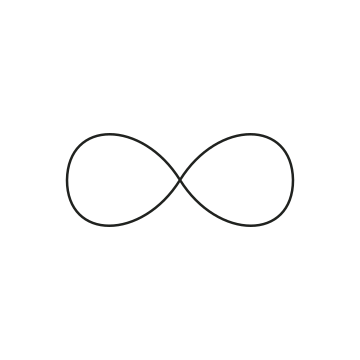
Solstice and Still moving keep the composition simple. Try the circular sun in a centered position and the wave along a horizontal edge. Minimalist describes the visual approach, while small describes size: a simple design can still be large. Compare two sizes on your own photo and ask an artist which details need more room.
Blackwork Tattoo Designs
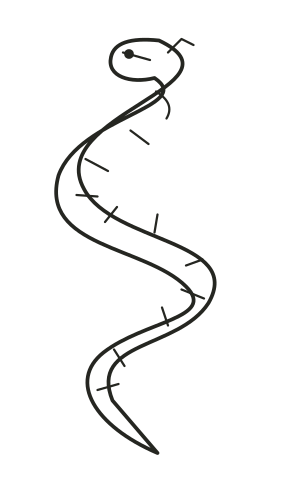
Serpent is the collection’s darker, elongated study. Try it along a visible body line and leave space around the outer silhouette. Opacity lets you change the digital overlay, but it does not predict ink saturation or healed appearance. Explore five more silhouettes in the blackwork gallery.
Geometric Tattoo Designs
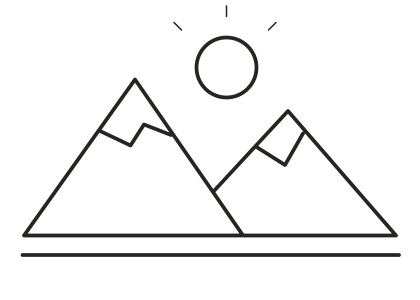
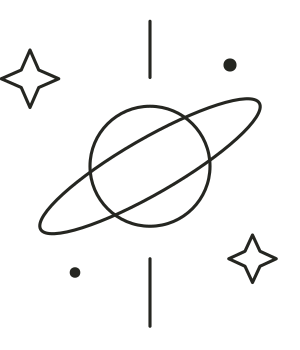
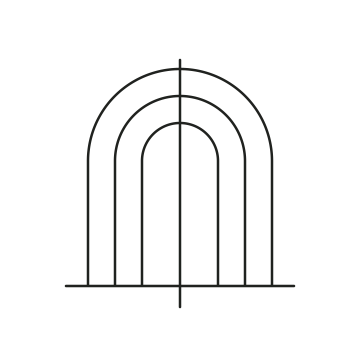
In orbit combines circles, while Far from here uses an angular landscape. Rotate each design slightly and compare its balance against nearby body landmarks. Straight lines can make a perspective mismatch obvious; the Classic editor keeps artwork flat rather than wrapping it around a curved surface.
Bring Your Own Style or Create a Design
There are no built-in traditional presets in this collection yet. Upload artwork you have permission to use, or explore those options in the AI tattoo generator. Do not choose an unrelated preset just because it has a similar label. Generated artwork and uploaded designs can both be placed in the same Classic editor.
Match the Design to a Placement
Compare the shape with the area rather than treating any style as suitable for only one body part. A narrow branch and a wide landscape create different spacing questions. Use the tattoo placement guide to choose a photo, then open the tattoo simulator to try it. Save the original artwork and your preferred preview for an artist consultation; neither file is a finished tattoo stencil.