Try a Tattoo On Before You Commit
A tattoo simulator turns an idea into something you can compare. Start with a preset adult model and one of 30 tattoo design references, or use your own photograph. The before-and-after view shows your current design immediately; drag the divider to compare it with the original photo. This virtual tattoo try on is a starting point for a conversation with your artist.
Upload Your Photo and Place the Design
Use Body upload for a clear PNG, JPEG or WebP photo, up to 15 MB. Keep nearby landmarks in the frame so you can judge proportion. Use Tattoo upload for your own artwork, or choose from the tattoo designs collection. A transparent background works well; simple white backgrounds can be removed in Adjust. Classic uploads stay in this browser.
Adjust Size, Angle, and Placement
Select Edit placement or Adjust to move the artwork. Drag it into position, change its size and rotation, flip its direction, or adjust opacity. Return to Preview Result to compare the result. Try two clearly different sizes before deciding which feels right. The controls change the digital composition; they do not calculate a physical size in centimeters or predict the density of real ink.
Pick a Spot: Wrist, Forearm, Hand, Ankle
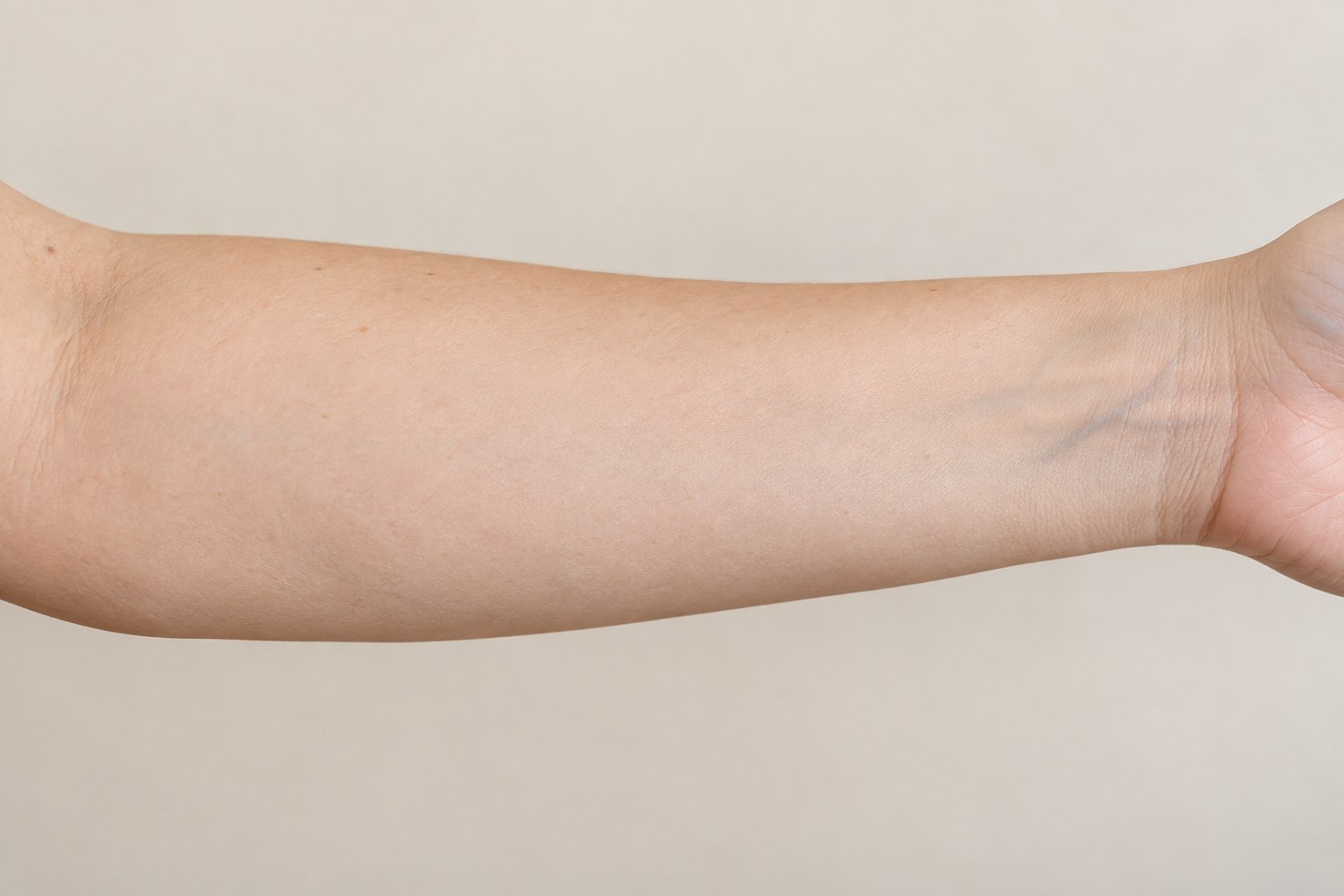
Long designs and compact symbols create different compositions. Use the tattoo placement guide to compare visible areas, orientation and clothing coverage before opening a photo. Explore the wrist, forearm, hand and ankle galleries. The editor includes eight body areas with female and male adult AI models. These are synthetic references, not customer photographs or evidence of healed results. Upload your own photo when you want to judge your proportions.
Free Tattoo Try-On, No App Needed
Open TatTryOn in your browser to place a design, compare it and download a preview. There is no app to install and no sign-in needed for Classic use. If you want to create original artwork from a description, visit the AI tattoo generator; its account and usage requirements are separate from free photo placement.
Compare Photos From Different Angles
One photo shows one viewpoint. Download your current preview, then upload a second photo of the same area to explore another angle or pose. Place the design again on the visible surface. The tool does not generate unseen angles, wrap the artwork around a limb or build a 3D body model. Use consistent lighting and distance if you want an easier comparison.
From Try-On to an Artist-Prepared Stencil
Download your favorite tattoo preview and keep the original artwork too. Show both to your artist and explain which details and position matter to you. A photo composite is not a stencil: line thickness, final size and transfer placement still need an artist’s judgment. Use the stencil maker to export a linework reference for artist review.
FAQ
Can I try a tattoo on my own photo?
Yes. Upload a clear adult body photo and choose an original preset or upload a design you have permission to use. Classic placement and comparison happen in your browser. You do not need an account for this workflow.
Is the tattoo simulator free?
Classic tattoo try-on and preview downloads are free, subject to fair-use limits. AI tattoo generation is a separate signed-in feature with a shared daily free allowance and credit-based usage when that allowance runs out.
Will the preview look exactly like a real tattoo?
No. The tattoo visualizer makes a flat photo composite. It helps compare size, angle and position, but does not simulate healed ink, skin curvature or movement. Ask your tattoo artist to confirm the final design and placement.
Can I save several placements?
Download each preview before changing it, then compare the files side by side. The browser keeps one current local draft for up to 24 hours of inactivity. A local draft is not a cloud backup and does not transfer between devices.