Small Tattoo Ideas and Placement Guide
Small tattoo ideas depend on a clear silhouette and enough room for the details that matter. This selection combines simple symbols and compact line drawings. Compare the sun, wave, heart, crescent, spark and lotus as starting points rather than assuming all artwork works equally well when reduced.
Vector and AI-generated design references. Choose an image to try it on a photo. These are visual references, not finished stencils.

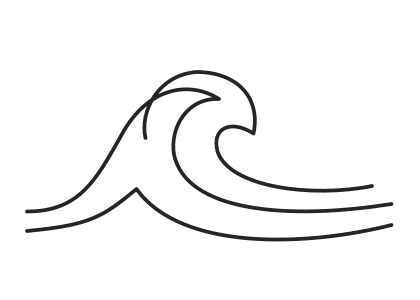

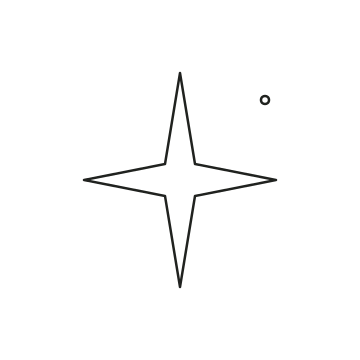
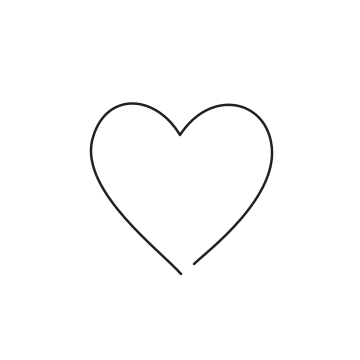
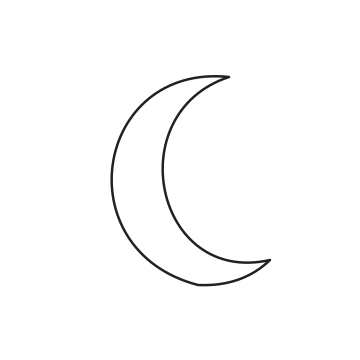
For a wider choice of subjects, browse the small tattoo designs collection.
Small Compared With Other Tattoo Styles
Small describes the intended size, not a particular style. Minimalist designs can be large, and a compact tattoo can still have intricate linework. A screen preview has no fixed physical scale, so there is no universal conversion between the size shown here and centimeters on your body. Decide on the idea before asking an artist for a practical size.
Which Placements Can You Compare?
Compare the same motif near the wrist, on the forearm, at the ankle or on the hand. Keep body landmarks in the photograph so you can judge the available space. Download a smaller version and a clearly larger one, then review them side by side. A tiny design in a cropped photo may look larger than it feels at normal viewing distance.
Use the tattoo placement guide to compare areas, or browse forearm examples and hand examples. The model images are synthetic adult references. Your own photograph gives you a more personal comparison.
How to Choose Line Weight and Detail
Pay attention to the open areas between lines and inside loops. If the subject becomes difficult to recognize, simplify it or keep the larger version. The simulator scales the complete artwork rather than adjusting individual strokes. Your artist should decide what line weight and spacing can preserve the intended design.
Try Two Versions Before Choosing
Open one design in the free Classic tattoo simulator. Choose a body preset or upload your own photo, then use Edit placement to adjust size, position and angle. Download one version before making another, so you can compare a clear alternative. Local drafts hold your current work in this browser; download anything you want to keep. Sign-in is not required for Classic placement.
Bring the Reference to Your Tattoo Artist
Keep the original design alongside the placement preview and explain which parts matter to you. Your artist can adapt the composition, check the physical dimensions and prepare a stencil. A digital overlay does not predict healed ink, skin movement or a finished tattoo. If you want a different subject, use the AI tattoo generator to explore a new reference.
Small Tattoo FAQ
What size works best for a small tattoo?
There is no size that works for every design. Compare a small and a larger preview, then ask your tattoo artist which line weight and spacing will keep the important details readable.
Where can I place a small tattoo?
Try the wrist, forearm, hand or ankle on a photo that shows nearby body landmarks. Compare visibility and available space, then confirm the final placement with your artist.
Will the preview match the finished tattoo?
No. The simulator shows a flat photo overlay. It does not predict healed ink, skin movement or how fine details will age. Your artist should adapt the design to your skin and placement.
Can I try these small tattoo designs for free?
Yes. Open a design in the Classic simulator to compare placement and download a preview without signing in. Your current local draft stays in this browser, so download versions you want to keep.