Watercolor Tattoo Designs
Watercolor tattoo ideas use soft color transitions and painterly accents around a recognizable subject. These six AI-generated references show an iris, koi, hummingbird, peony, crescent moon and mountain scene. They are illustrations on white backgrounds, not photographs of tattoos or examples of healed pigment.
AI-generated illustration concepts. Choose an image to try it on a photo. These are visual references, not finished stencils.
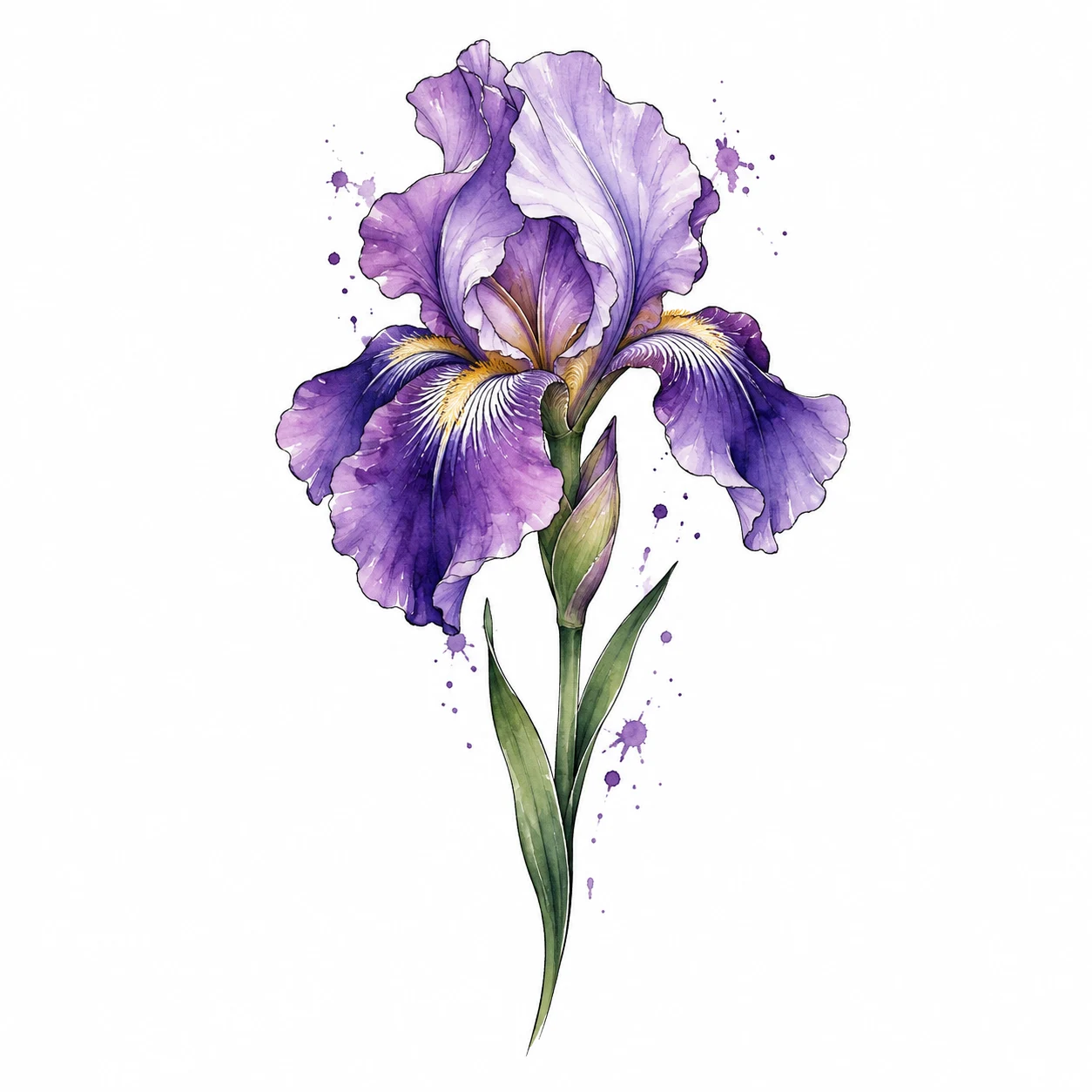
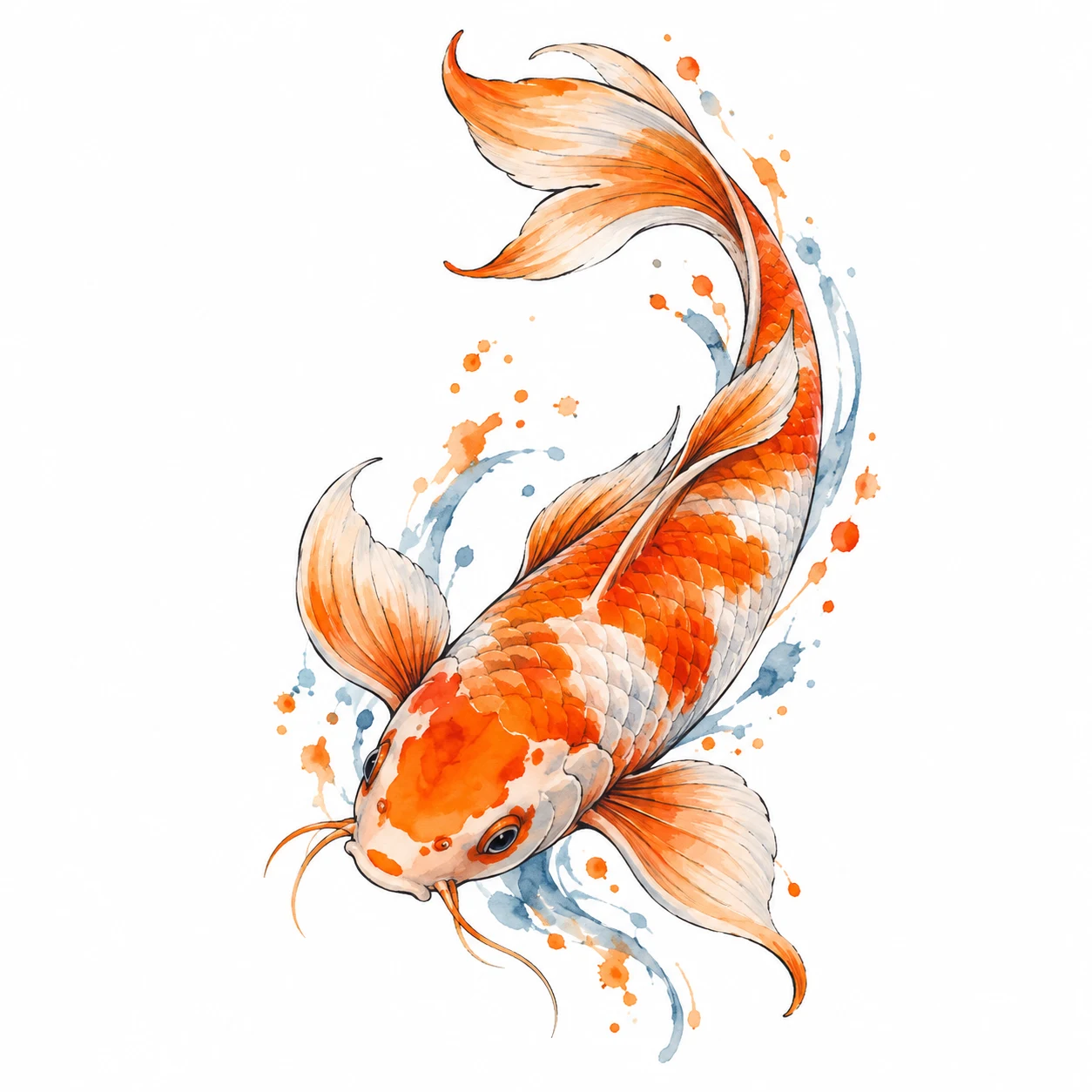
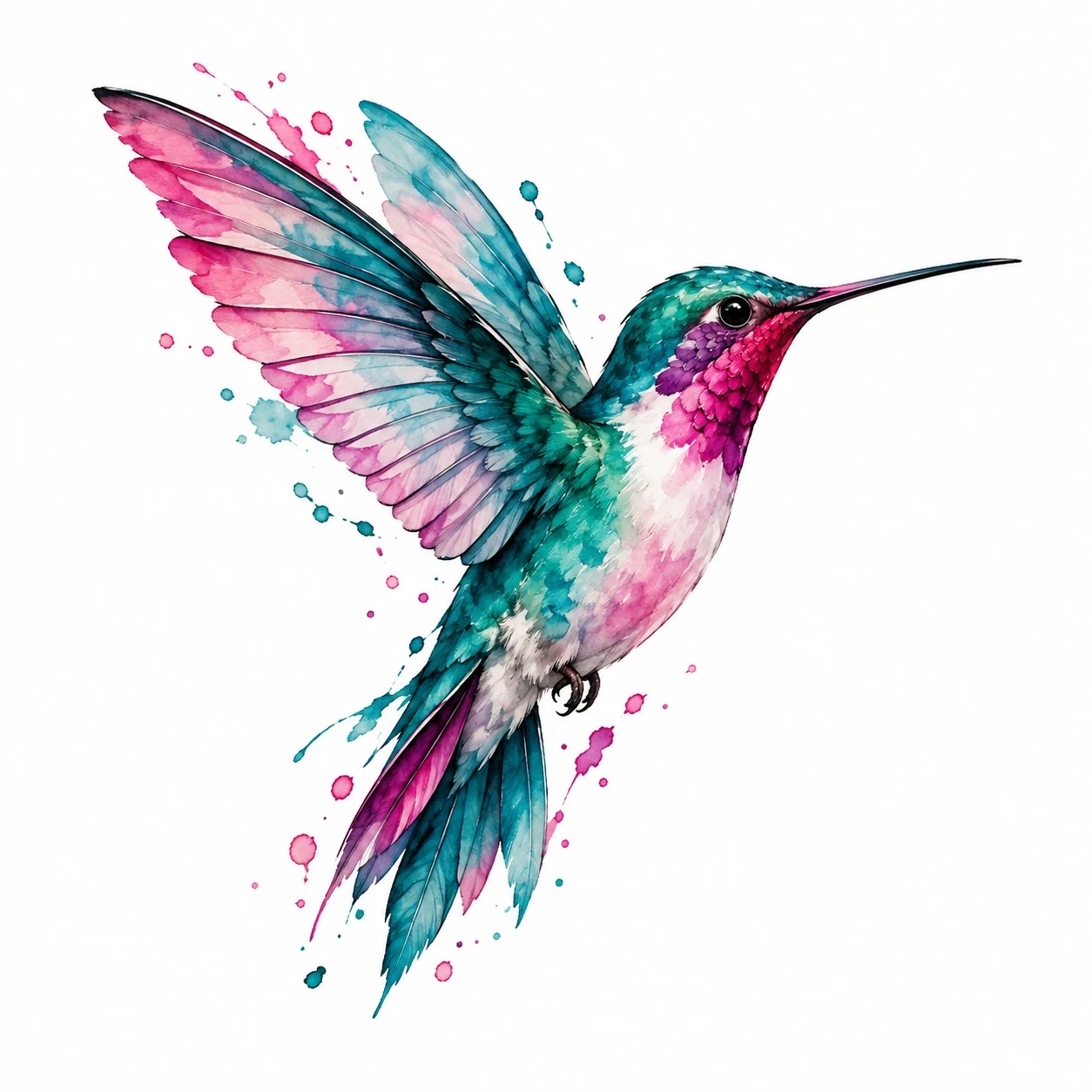
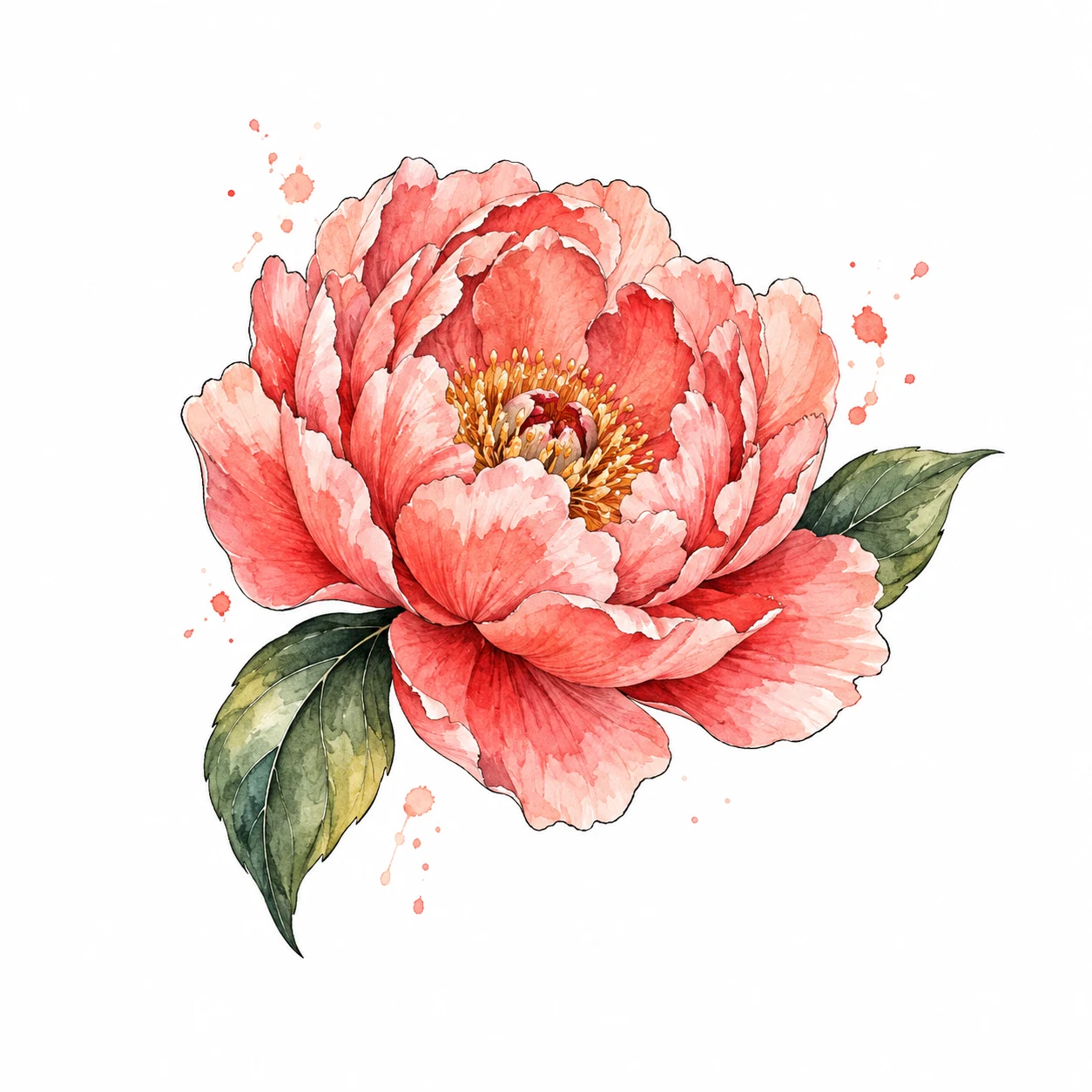
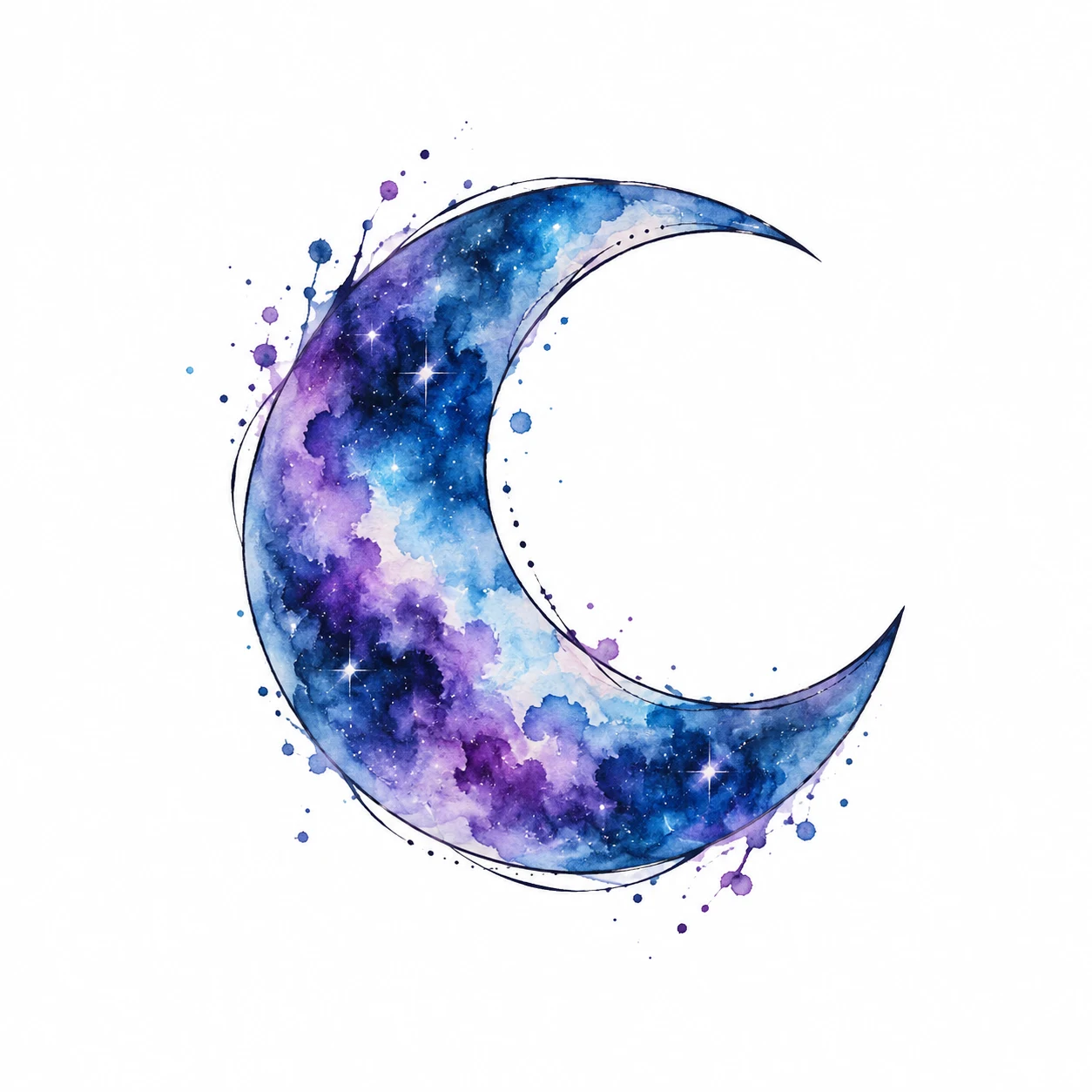
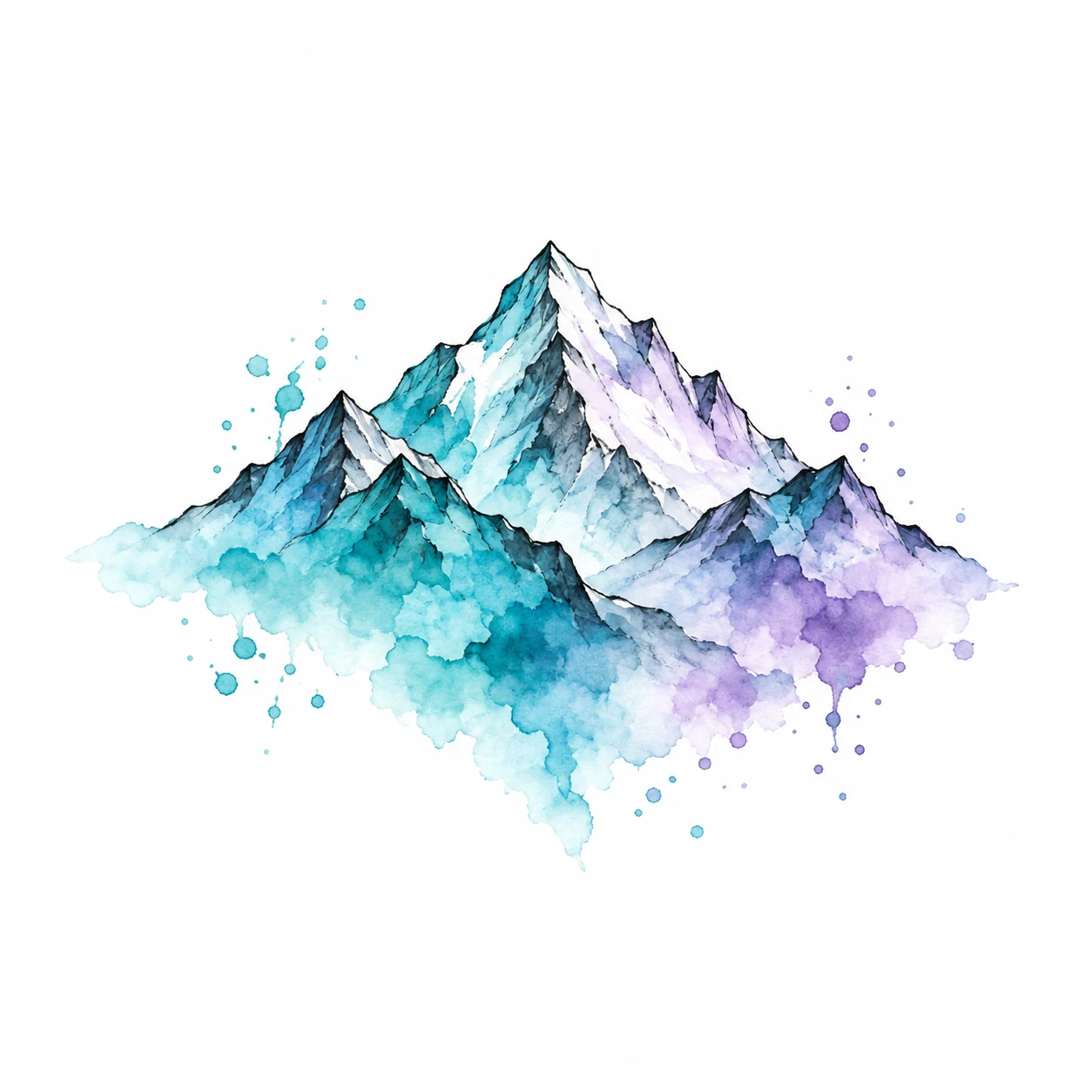
Watercolor Compared With Other Tattoo Styles
Watercolor refers to the painted appearance of the reference. It differs from the solid dark shapes of blackwork and can combine with selective linework. The gallery lets you compare a cool palette, warm accents and larger areas of color. A generated paint texture is not a promise that skin will reproduce every translucent mark.
Which Placements Can You Compare?
Try the long iris along a forearm or compare the peony on a broader visible area. Leave enough space to see both the main subject and its color accents. In Classic mode, blending helps the white background recede; you can also use background removal after uploading a saved design. Avoid judging color against a heavily tinted photograph.
Use the tattoo placement guide to compare areas, or browse forearm examples and hand examples. The model images are synthetic adult references. Your own photograph gives you a more personal comparison.
How to Choose Line Weight and Detail
Compare the subject at a normal viewing distance before focusing on individual splashes. Tiny accents may stop contributing to the composition when you shrink the image. Ask an artist experienced with the intended approach to adapt colors, outlines and spacing. Neither the image generator nor the simulator predicts fading, healing or long-term color.
Try Two Versions Before Choosing
Open one design in the free Classic tattoo simulator. Choose a body preset or upload your own photo, then use Edit placement to adjust size, position and angle. Download one version before making another, so you can compare a clear alternative. Local drafts hold your current work in this browser; download anything you want to keep. Sign-in is not required for Classic placement.
Bring the Reference to Your Tattoo Artist
Keep the original design alongside the placement preview and explain which parts matter to you. Your artist can adapt the composition, check the physical dimensions and prepare a stencil. A digital overlay does not predict healed ink, skin movement or a finished tattoo. If you want a different subject, use the AI tattoo generator to explore a new reference.
Try a tattoo on your photo