Fine Line Tattoo Designs
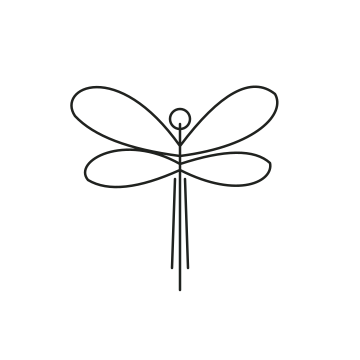
Fine line tattoo designs use slender outlines and open space to keep attention on a motif. This collection includes Wildflower, Olive branch, Quiet wings, Fern study, Open lotus and Dragonfly study. Compare the long botanical shapes with the wider winged motifs before choosing a placement.
Original vector design studies. Choose an image to try it on a photo. These are visual references, not finished stencils.
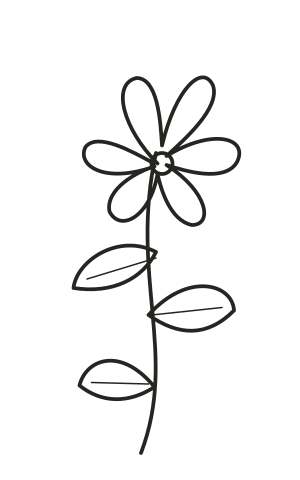
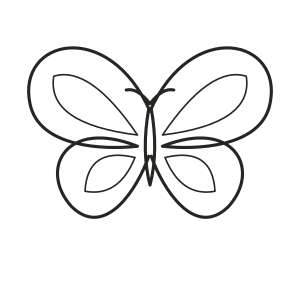
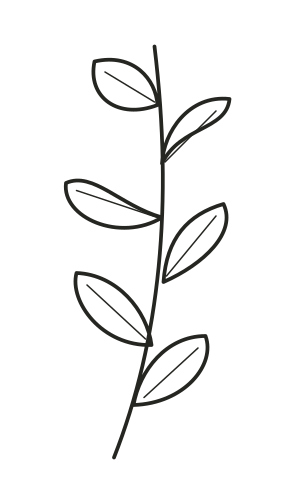
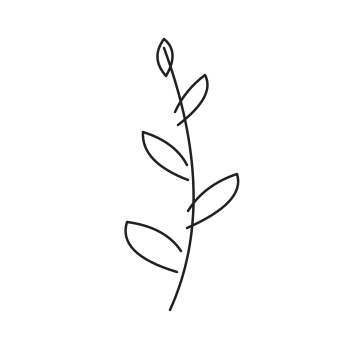

Fine Line Compared With Other Tattoo Styles
Fine line is about the treatment of lines, while minimalist is about reducing visual complexity. A fine-line flower can contain many overlapping details; a minimalist symbol may use a much bolder outline. If a design looks too busy at the size you want, compare a simpler silhouette instead of only making the lines lighter.
Which Placements Can You Compare?
Try a narrow stem along a forearm, a compact lotus on the hand, or a small branch near the wrist. These are composition experiments, not rules. Keep the entire intended area visible in the photo and compare the amount of open space on each side. A long motif can follow a visible body line without covering the whole area.
Use the tattoo placement guide to compare areas, or browse forearm examples and hand examples. The model images are synthetic adult references. Your own photograph gives you a more personal comparison.
How to Choose Line Weight and Detail
Start larger than your first instinct and compare the finest details at a normal viewing distance. Leave room between neighboring lines. The simulator can resize the whole image, but cannot determine a safe minimum line thickness or how details will look after healing. Your artist should redraw or simplify elements when needed.
Try Two Versions Before Choosing
Open one design in the free Classic tattoo simulator. Choose a body preset or upload your own photo, then use Edit placement to adjust size, position and angle. Download one version before making another, so you can compare a clear alternative. Local drafts hold your current work in this browser; download anything you want to keep. Sign-in is not required for Classic placement.
Bring the Reference to Your Tattoo Artist
Keep the original design alongside the placement preview and explain which parts matter to you. Your artist can adapt the composition, check the physical dimensions and prepare a stencil. A digital overlay does not predict healed ink, skin movement or a finished tattoo. If you want a different subject, use the AI tattoo generator to explore a new reference.
Try a tattoo on your photo